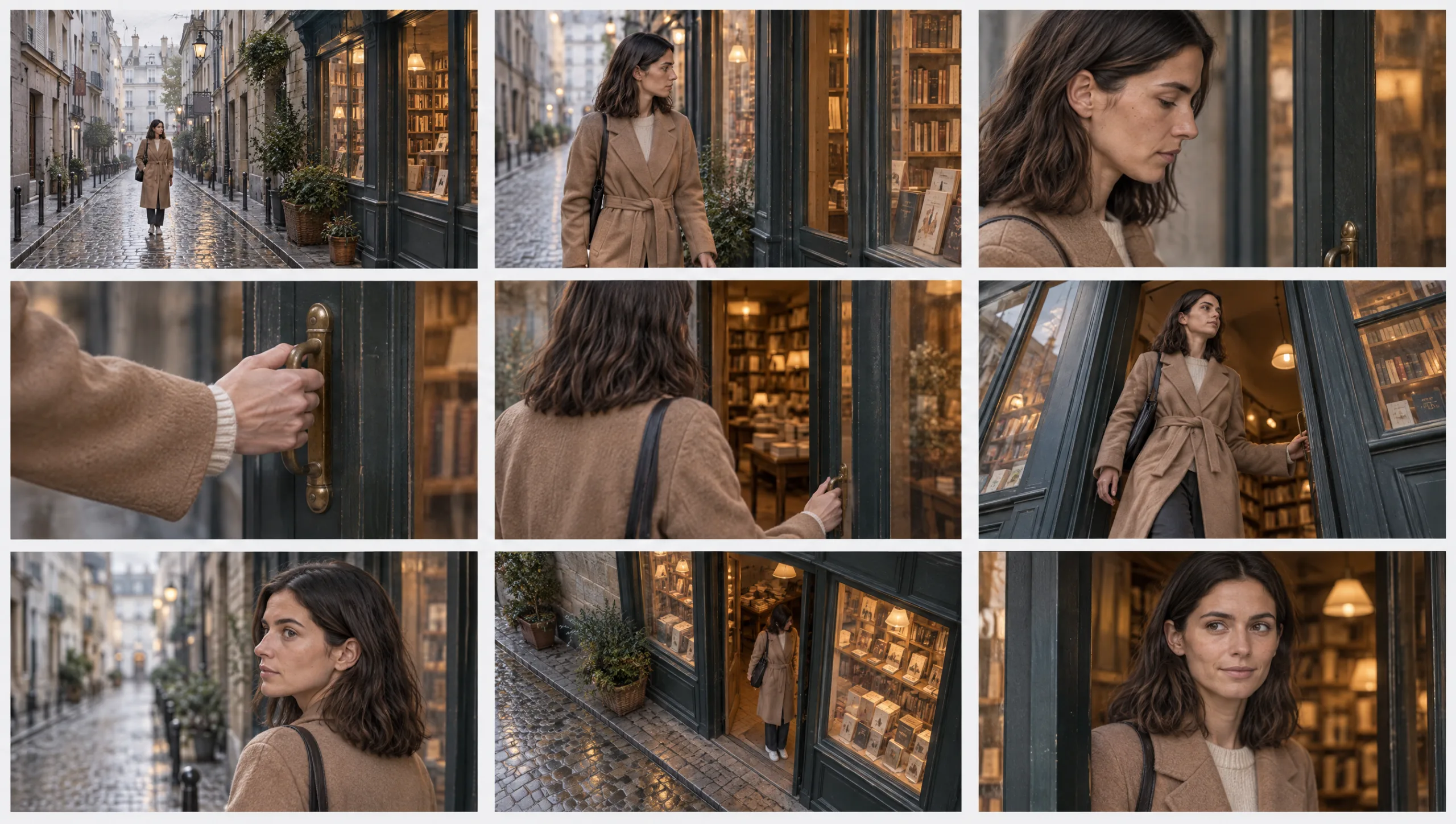
STORYTELLING AND SCRIPTS · HOW-TO GUIDE
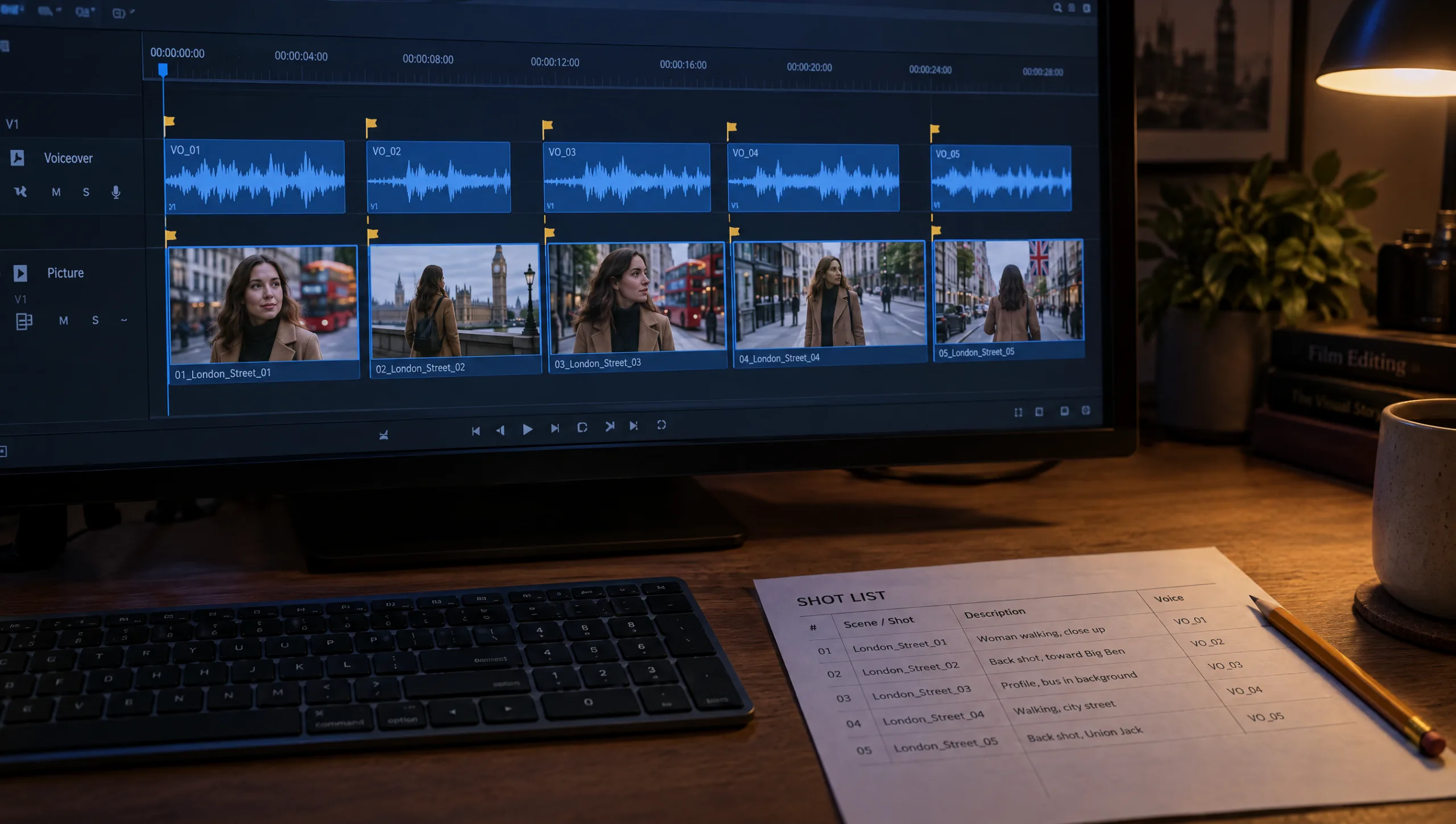
A script tells a reader what happens, but it does not tell a generator what to make. Between the two sits the shot list. In AI filmmaking it is the document that matters most, because every generation is one row of it. An AI video shot list is not the shot list a camera crew would use. Instead, it needs the columns a generator needs. Those are the duration, the camera, the one-sentence action, the location and lighting lines, the outfit and its state, and the references to attach. Write it once, in those columns, and then each row becomes a scene prompt with almost no further thought. This guide gives you the format, the rules for turning beats into coverage and the duration budget. It also adds the row-to-prompt converter, together with the audit that finds the holes before you spend a credit.
At a glance
- Start from beats, not from the script’s prose.
- Give every shot the twelve columns a generator needs.
- Turn each beat into coverage: one to three shots, wide first.
- Budget the durations so the film runs to length.
- Convert each row into a scene prompt with the formula.
- Audit the list for gaps, overlaps and continuity before you generate.
You will need: a script or a five-beat outline, a consistent character with an outfit lock, your location and lighting lines, and a spreadsheet or document for the list.
Why the Script Is Not Enough
Prose hides decisions. “She leaves the bookshop and walks into the rain” is one sentence and at least three shots. However, the sentence does not say which three, how long each lasts, or where the camera is. If you prompt from the sentence, the model makes those decisions for you, differently every time.
A shot list makes the decisions once. It is also where the continuity lives. The location line, the lighting line, the outfit and the references are written on each row. Because they are copied down the column rather than reinvented per shot, they stay the same across the scene. The shot list and the scene log from the character sheet are the same table at different stages. In other words, the list is the plan and the log is the record.
Step 1: The Twelve Columns
Every row of an AI video shot list has these columns, in this order.
Shot. Scene number and shot number, such as 3.2.
Beat. Which story beat the shot belongs to: image, want, obstacle, turn, landing.
Duration. Seconds, between 3 and 7.
Size and lens. Wide 24mm, medium 35mm, medium close-up 50mm, close-up 85mm, insert 85mm.
Angle. Eye level, low, high, profile, over the shoulder.
Action. One sentence, present tense, one verb that matters.
Outfit and state. The outfit name from the wardrobe plan, and a state if it differs from clean.
Location line. Copied down the column for the whole scene.
Lighting line. Copied down the column for the whole scene.
References. The Soul ID or turnaround, the outfit sheet, and the approved previous shot if it carries forward.
Status. Planned, generated, audited, approved, or cut.
File. The file name of the approved take.
Nine of these columns are the plan, so fill them before anything is generated. The last three are the record, and you fill them as you shoot.
Step 2: Build the List From Beats
Start from the five-beat outline rather than the script’s prose, because the beats already carry the time budget. If you only have a script, make the outline first: image, want, obstacle, turn, landing, with the seconds for each.
Prompt 1: Shot List Builder (run in Claude or ChatGPT)
Turn this five-beat outline into an AI video shot list with these columns, as a table: Shot (scene.shot), Beat, Duration (3 to 7 seconds), Size and lens (wide 24mm, medium 35mm, medium close-up 50mm, close-up 85mm, insert 85mm), Angle, Action (one sentence, present tense), Outfit and state, Location line, Lighting line. Rules: 8 to 12 shots in total; durations sum to 48 to 52 seconds; every beat gets at least one shot; the turn gets the closest shot in the film; the last shot echoes the first shot's size and angle; the location line and lighting line are identical within a scene; no shot has more than one action.

Outline: [PASTE]
Character and outfit: [NAME, OUTFIT A NAME]
Location line for scene 1: [PASTE]
Lighting line for scene 1: [PASTE]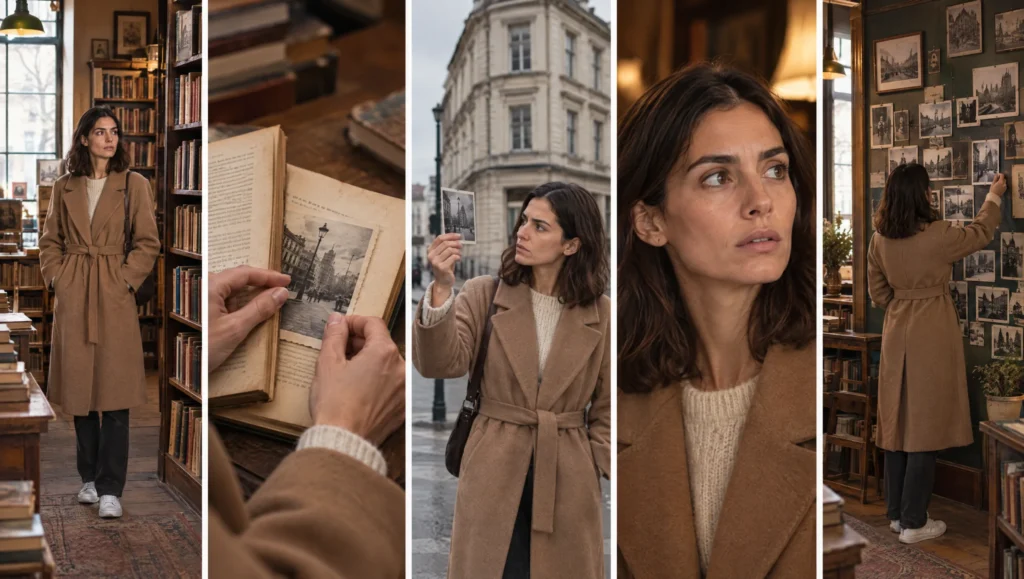
Then read the result as a director. Is the first shot wide enough to establish? Is the turn close enough to land? Does any shot carry two actions? Fix it in the table rather than in your head.
Step 3: Turn Each Beat Into Coverage
A beat is a moment; coverage is the shots that let you cut the moment together. Most beats need one to three shots. The pattern that works for AI generation is wide first, then closer. Generate the wide first and approve it, so that the closer shots are built from it.
Prompt 2: Coverage Expander (run in Claude or ChatGPT, for any beat that feels thin)
This beat currently has one shot. Expand it into coverage of two or three shots that cut together: a wider shot that establishes, then one or two closer shots that show the action or the reaction. Keep the same location line, lighting line, outfit and state on every row. Give each shot a duration so the beat's total stays within its time budget. Return the rows in the same column format as the list.

Beat: [NAME AND TIME BUDGET]
Current row: [PASTE]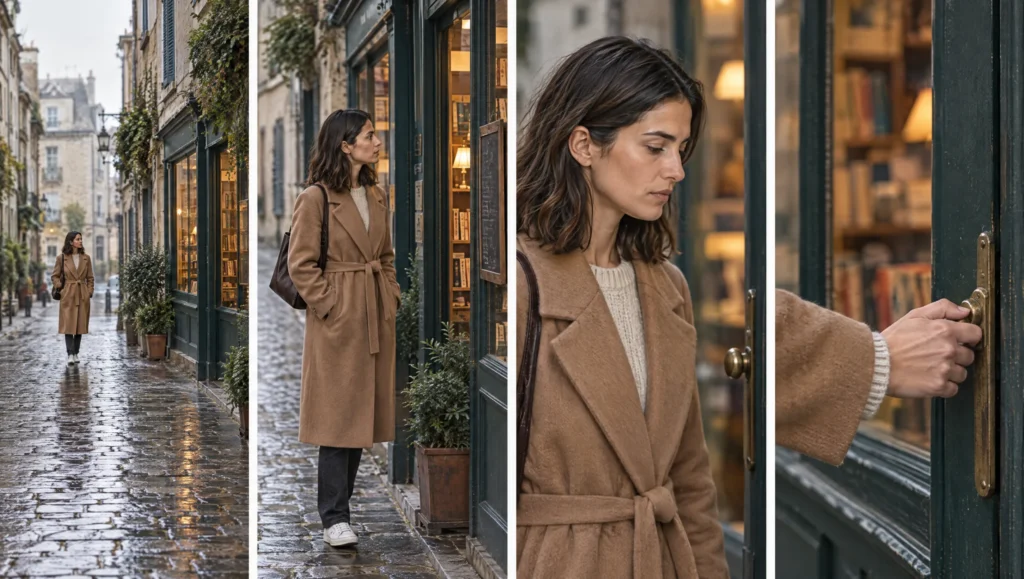
Not every beat needs coverage. The image beat is usually one shot held for six seconds. So is the turn, as the closest shot in the film. Instead, coverage earns its place in the obstacle, the longest beat.
Step 4: Budget the Durations
Fifty seconds is the target for a short, and the beats carry the budget. Six seconds for the image, ten for the want, fourteen for the obstacle, twelve for the turn, eight for the landing. Shots inside a beat then share that beat’s seconds. If the list adds up to sixty-five, something is cut, not trimmed, because a four-second shot squeezed to two does not read.
Prompt 3: Duration Balancer (run in Claude or ChatGPT)
Here is a shot list with durations. The target length is [TOTAL] seconds and the beat budgets are: image [N], want [N], obstacle [N], turn [N], landing [N]. Check the totals per beat and overall. Where a beat is over budget, say which shot to cut (never shorten a shot below 3 seconds). Where a beat is under budget, say which shot to hold longer or where one more shot would help. Return the corrected list.

Shot list: [PASTE]
Step 5: Convert Each Row Into a Scene Prompt
This is where the columns pay for themselves. Each row maps directly onto the scene formula. Size, lens and angle become the first sentence, and the action is the second. The outfit lock replaces the outfit name, and the location and lighting lines are pasted as they are. Finally, the references column tells you what to attach.
Prompt 4: Row to Prompt Converter (run in Claude or ChatGPT)
Convert each row of this shot list into a scene prompt in exactly this structure: "[SIZE], [LENS], [ANGLE]. [CHARACTER NAME] [ACTION]. Wearing [FULL OUTFIT LOCK]. [STATE LINE IF ANY]. Location: [LOCATION LINE]. Lighting: [LIGHTING LINE]. Photographic realism, shallow depth of field, subtle film grain. The face, hairline, hair and apparent age match the trained character exactly, at every size and angle. The outfit matches the reference sheet exactly." Replace the outfit name with the full lock I give you. Add the small-face anchor sentence to any wide shot: "Even at this distance the face is clearly the trained character: same face shape, same hair length and colour, same posture. Render the face sharply." Output one prompt per row, labelled with the shot number, followed by the references to attach.

Shot list: [PASTE]
Outfit locks: [NAME: LOCK, one per line]
Paste the prompts into a column of the list, or into the scene log. The exact text that made each approved frame is then kept with it.
Step 6: Audit the List Before You Generate
The list is cheap to change, whereas the frames are not. Before the first generation, run the audit.
Prompt 5: Shot List Audit (run in Claude or ChatGPT)
Audit this AI video shot list and answer each in one line: 1. Does every beat have at least one shot, and is the turn the closest shot? 2. Does the last shot echo the first? 3. Are the location and lighting lines identical within each scene? 4. Does any shot contain more than one action? 5. Do any two consecutive shots have the same size and angle (a jump cut risk)? 6. Does the key light stay on the same side of the face across the scene given the angles? 7. Does the outfit or state change anywhere without a row that shows the change? 8. Which shot could be cut without losing the story? Then list the rows to fix, with the fix.

Shot list: [PASTE]
If question 5 flags two shots, change the size or the angle of one. When question 7 flags a change, add the row where the audience sees it happen. And if question 8 names a shot, cut it, because the film will be better and the credits will be cheaper.
From List to Log
Once a shot is generated and audited, its row moves from plan to record. Status becomes approved, the file name goes in, and the row is the scene log entry. As a result, the same table runs the whole production. At the end you have the film, as well as the exact text and references that made every frame. That is what you need when a scene has to be reshot in a month.
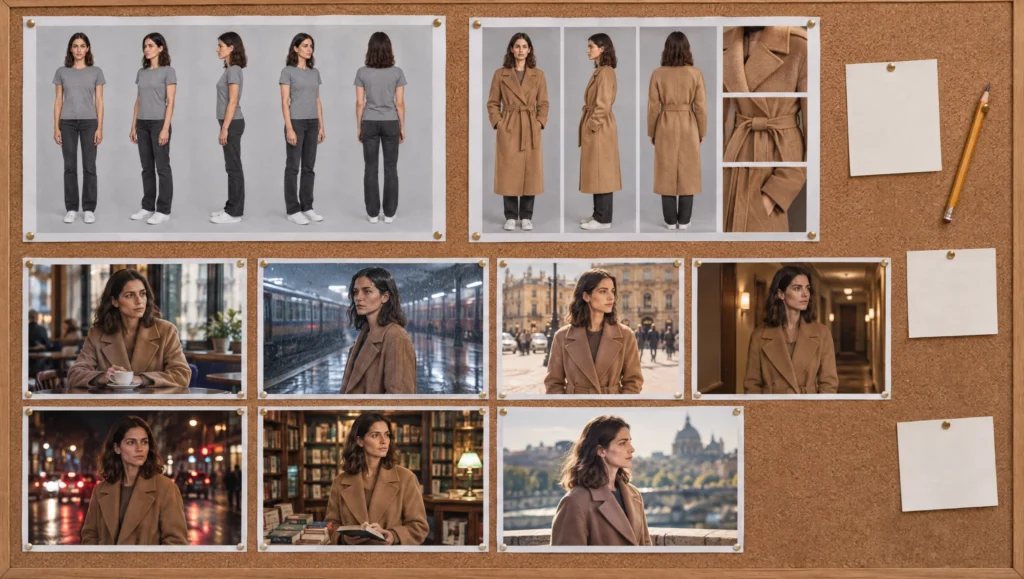
For the story the list is built from, see my guide to writing a fifty-second story for an AI short film. The prompts the rows become are in the scene formula guide. And the character the rows depend on starts with the complete method for a consistent AI character.
Common mistake
Prompting from the script. The script says “she leaves and walks into the rain”, so that is what gets typed into the generator. The model then chooses the shot size, the lens, the light and the moment. Then it chooses differently for the next sentence, and the two will not cut. Instead, decide the shots first, in a table, with the camera and the light written down. Then prompt from the rows.
Quick version
Build the list from beats, not prose. Twelve columns: shot, beat, duration, size and lens, angle, action, outfit and state, location line, lighting line, references, status, file. Then one to three shots per beat, wide first. Durations follow the beat budgets, and over-length means a cut, not a trim. Convert each row into a scene prompt with the formula, audit the list, then generate. Finally, the approved rows become the scene log.
Your move
Take the scene you are about to shoot and write its rows with Prompt 1, even if it is only four shots. Then run Prompt 5 on it before you generate anything, and fix every row it names.
Get the prompts. All five prompts from this guide are in the free Prompt Library under Script, together with the story and camera sets.
Related articles
- shot sizes and emotion, from distance to closeness
- how to build a prompt library for your AI film projects
- how to write a 50-second story for an AI short film
- how to write AI scene prompts with the scene formula
- how to light an AI character the same way in every shot
- the AI character continuity checklist
Paid next step: The 50 Second Story Builder, with the shot list template, beat budgets by genre, and the complete story, script and voice prompt set.
Frequently Asked Questions
What should an AI video shot list include?
Shot number, beat, duration, size and lens, angle, one-sentence action, outfit and state, location line, lighting line, references, status and file name. The first nine are the plan, while the last three are the record.
How many shots does a fifty-second AI film need?
Eight to twelve, each three to seven seconds, so one to three per beat with the obstacle beat carrying the most.
Should I write the prompts before the shot list?
No. Write the list first, with the camera and the light decided per row. The prompts are generated from the rows and stay consistent because the shared columns are copied, not rewritten.
What is the difference between the shot list and the scene log?
They are the same table at different stages. The shot list is the plan before generation; the scene log is the record of what was approved, with file names and correction notes.


Read the Comments +