AI VOICE · HOW-TO GUIDE
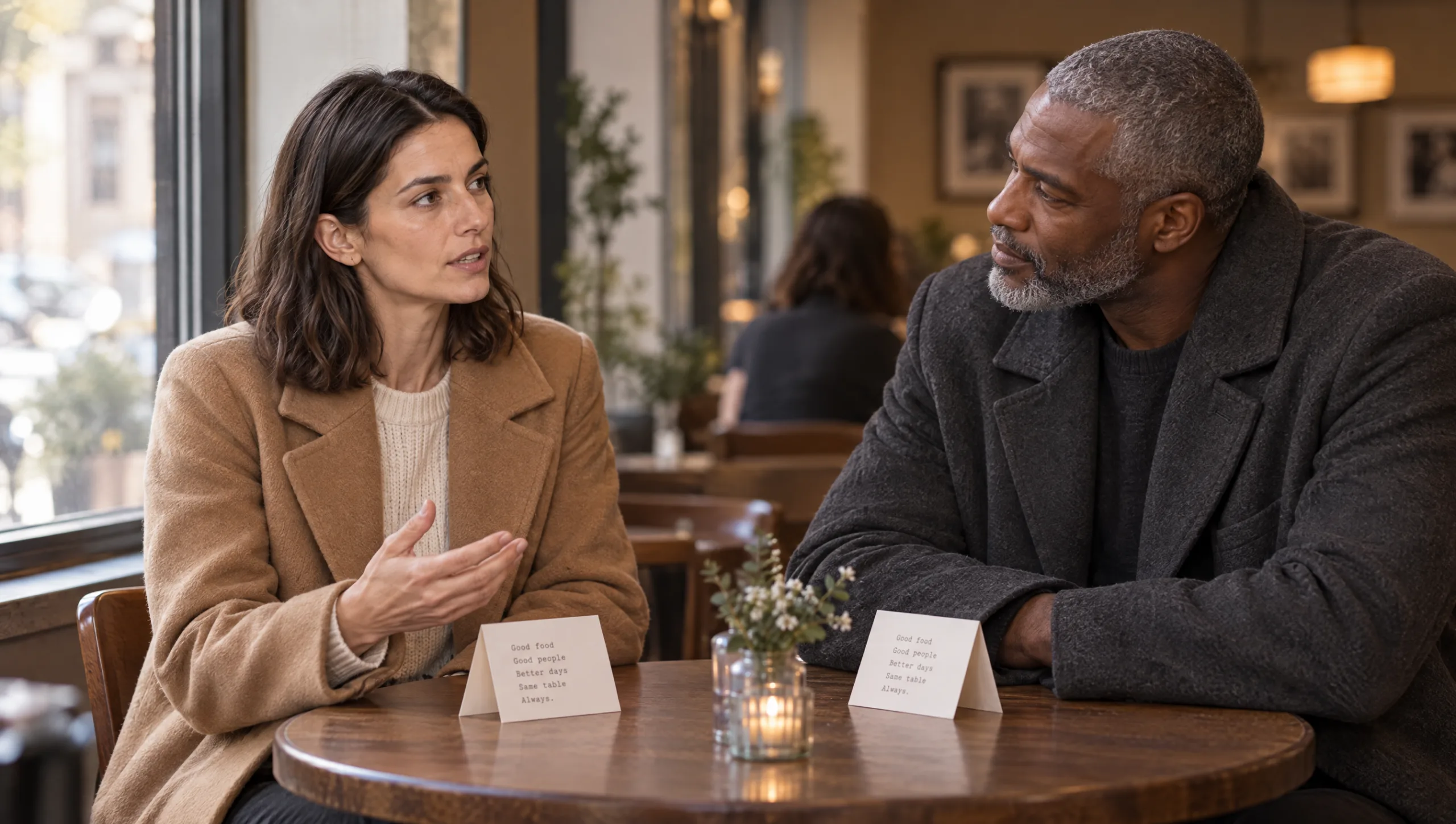
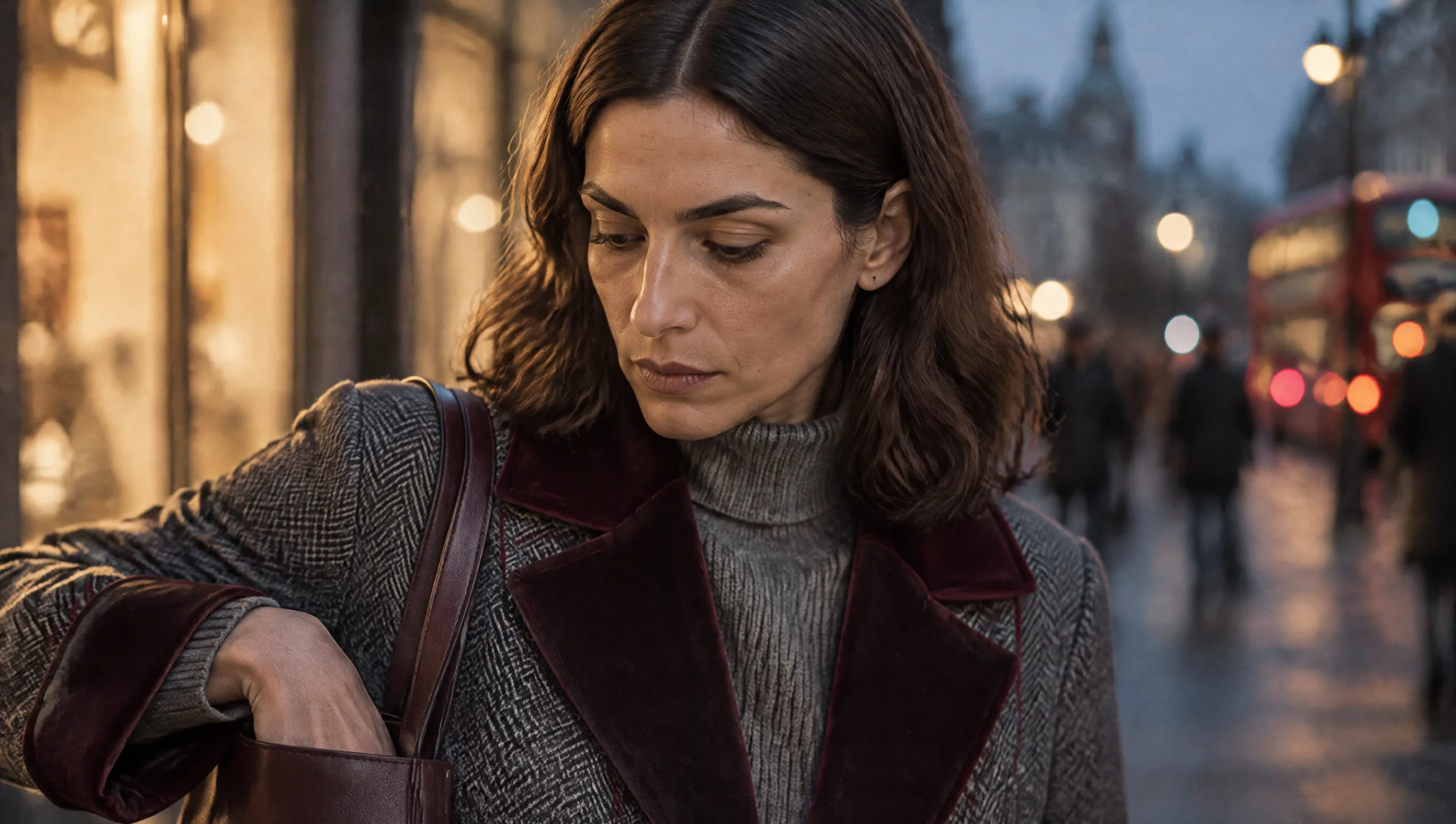
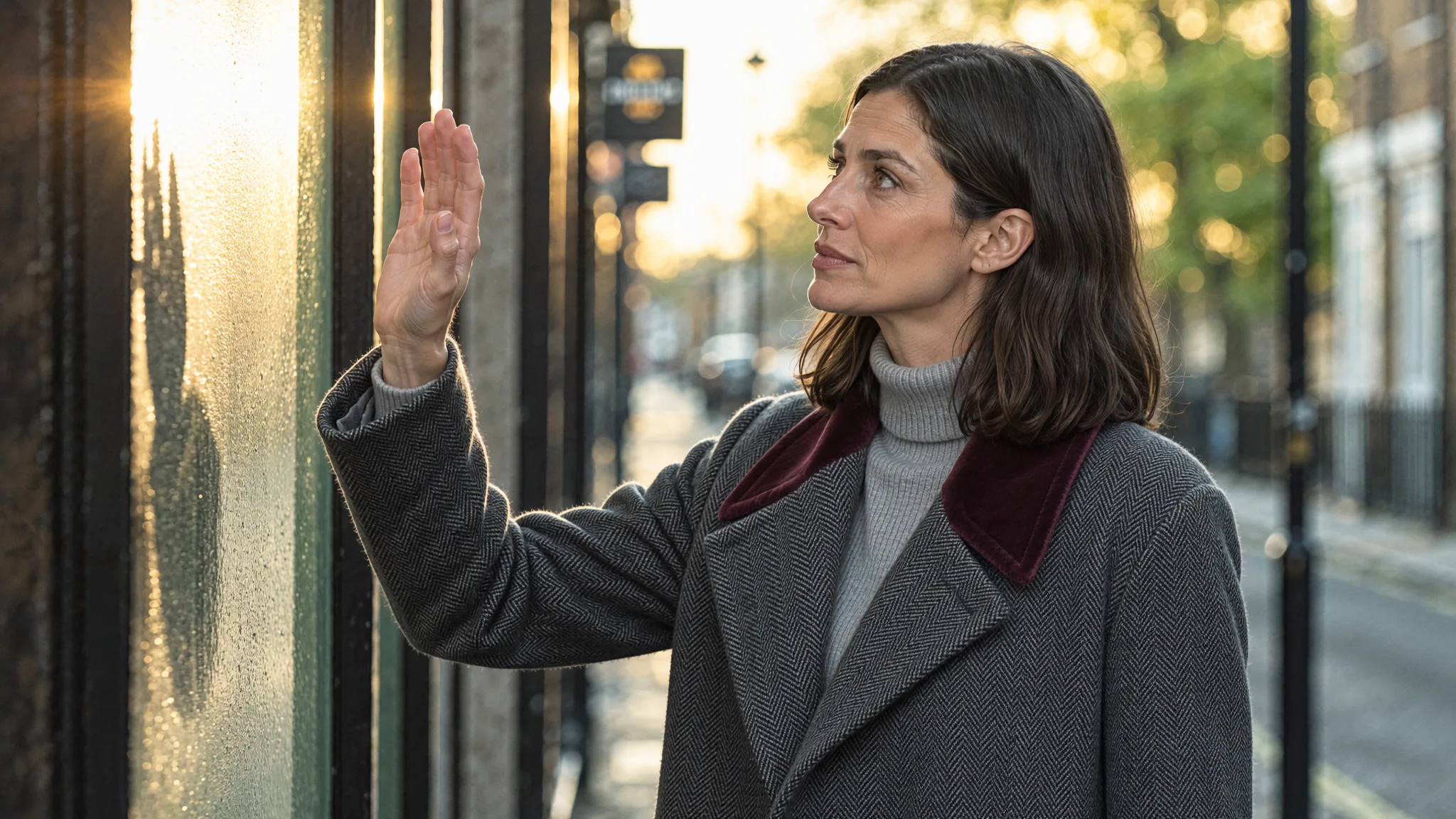
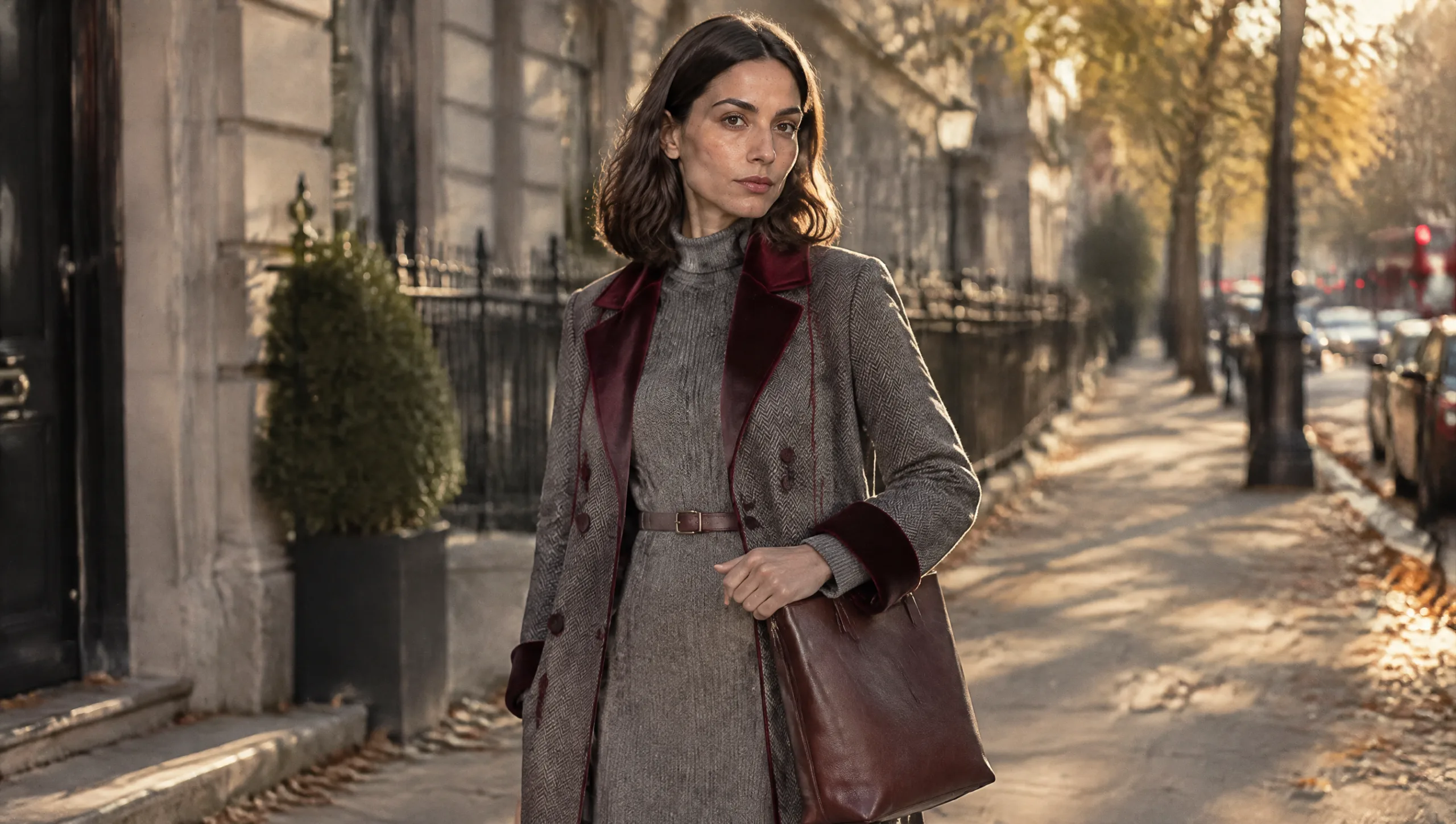
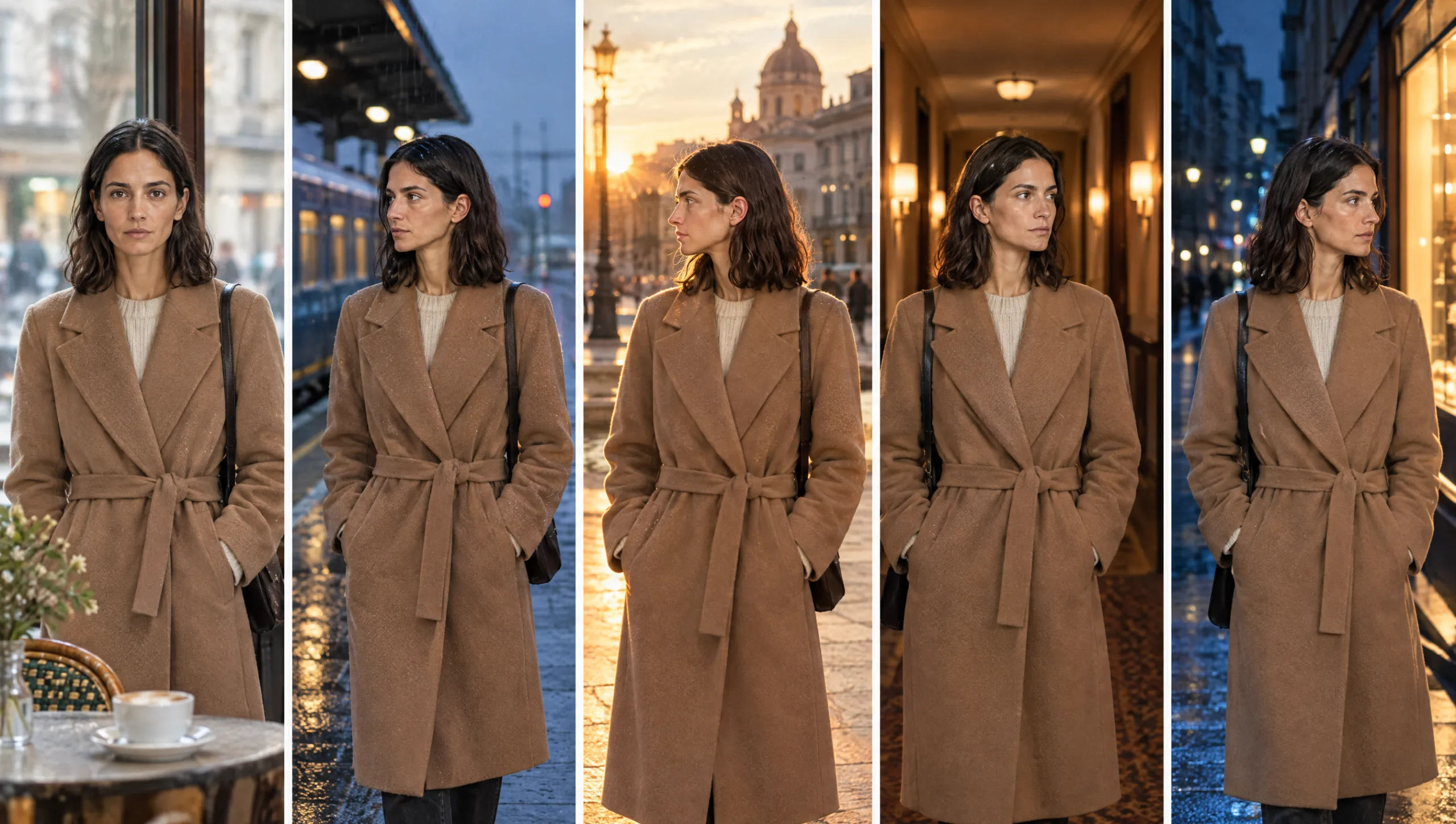
Mara’s face holds across every scene because the Soul ID carries it, and her camel coat holds because the outfit lock is pasted word for word. Her voice should hold the same way, too. An AI character voice that changes between scenes breaks the character as surely as a drifting face does. The audience notices faster, too, because ears are harder to fool than eyes. This guide treats voice as continuity. It gives each character a voice lock and shows three ways to make the voice in ElevenLabs. Then it builds a two-character scene with Eleven v4, and files the whole thing in the character sheet so the next film starts from it.
At a glance
- Write a voice lock for each character before you pick a voice: age, texture, pace, register, three words.
- Make the voice one of three ways: the Voice Library, Voice Design, or a consenting performer’s clone.
- Test every candidate with the same two lines, one quiet and one bright.
- Build dialogue in Eleven v4 with one distinct voice per speaker and one tag per line.
- For a line that needs real acting, perform it yourself and convert it with Speech to Speech.
- Add a Voice section to the character sheet and the scene log.
You will need: a character sheet, the dialogue or narration for the scene, and an ElevenLabs account with Eleven v4 selected.
Step 1: Write the Voice Lock
The outfit lock describes the coat so precisely that the model cannot redesign it. The voice lock does the same for the ear. Write it before you open ElevenLabs, because a voice chosen without a lock is chosen by mood. In practice, a voice lock has five parts: apparent age, texture, pace, register and three words the character would never say. For Mara it reads: late thirties, low and warm with a little air in it, unhurried, speaks as if to one person, never brisk. For Theo: late fifties, deep and dry, slow with long pauses, speaks as if correcting himself, never eager.
Prompt 1: Voice Lock Writer (run in Claude or ChatGPT with the character sheet)
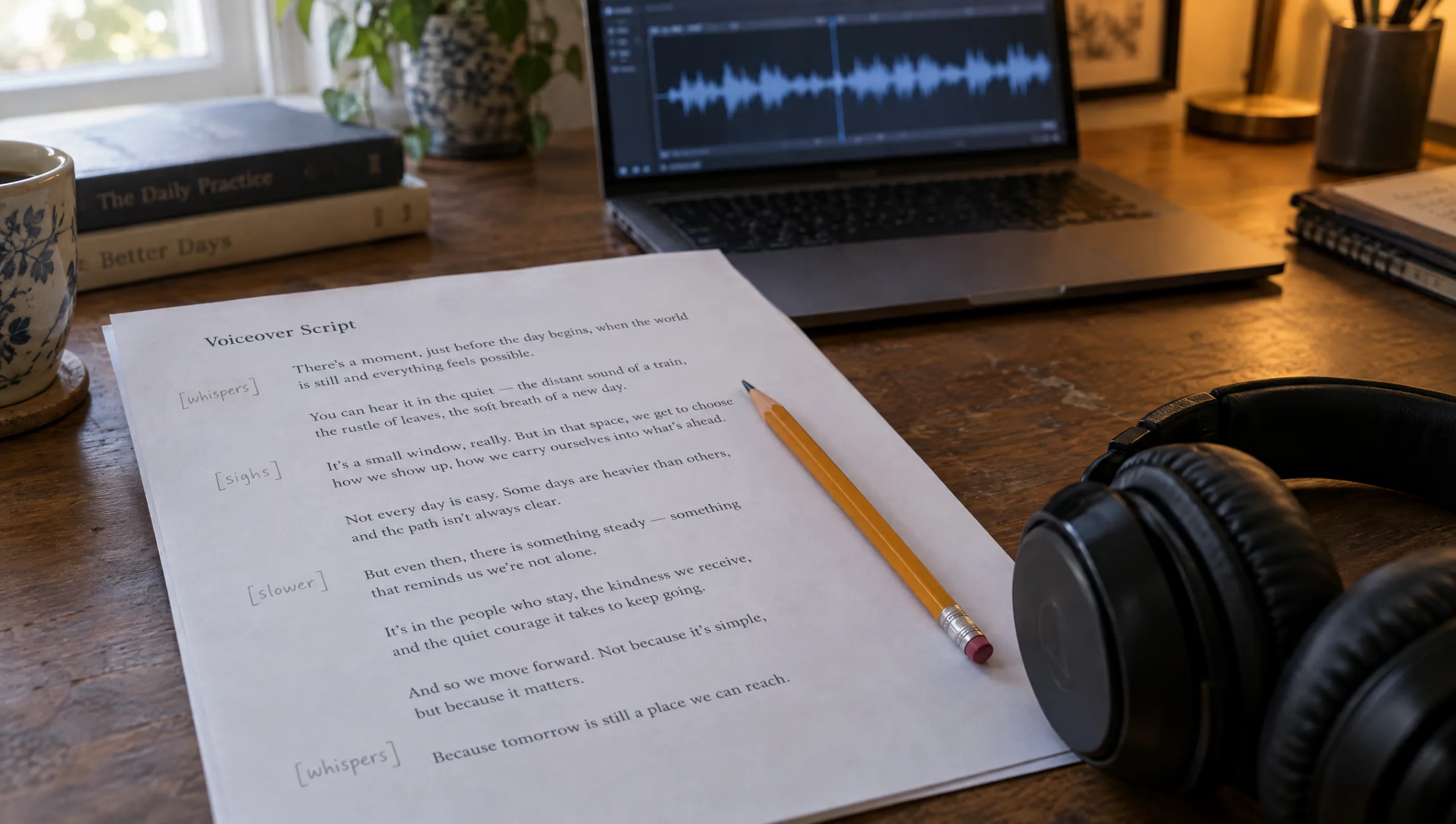
Write a voice lock for this character in five parts, one line each: apparent age as heard; texture (pitch, warmth, air, grain); pace and pause habit; register (who they seem to be speaking to and how); three delivery words the character would never use. Then write a 20 to 1000 character voice description for a text-to-voice tool that captures the same person, in plain descriptive language, with no names and no references to real people. Finally, give two test lines in the character's own words: one quiet and one bright, each under fifteen words.

Character sheet: [PASTE]
The character's role in the film: [ONE LINE]
Step 2: Make the Voice Three Ways
From the Voice Library. ElevenLabs holds thousands of shared voices, searchable by language, age, accent and use. Search with the words from the lock, then shortlist three and test each with the two lines from Prompt 1. Save the one that passes to your voices and record its exact name. A library voice you cannot find again is a character you cannot bring back.
With Voice Design. When no library voice matches, describe the voice in text and let ElevenLabs generate it. Voice Design takes a description of between twenty and a thousand characters, plus optional preview text, and returns three previews to choose from. Paste the description Prompt 1 wrote and use the quiet test line as the preview text. Then keep the preview that sounds most like the lock, rather than the one that sounds most impressive. Finally, save it with the character’s name.
From a performer. For a lead character in a longer project, a clone of a real performer gives the most range. Only do this with written consent that covers what the clone may say, and treat the clone as the performer’s property. The method is in my guide to cloning a voice in ElevenLabs.
Whichever route you choose, the test is the same two lines every time. That is what makes the choice comparable.
Step 3: Lock the Settings With the Voice
A voice with different settings in every scene is two voices. So once a voice passes the test, note the model, the stability and similarity values and the speed. Treat those as part of the lock. Keep Eleven v4 for every line, because mixing models changes the texture. If a scene needs more variation, change the direction in the script with an audio tag rather than the settings on the voice.
Step 4: Build a Two-Character Scene
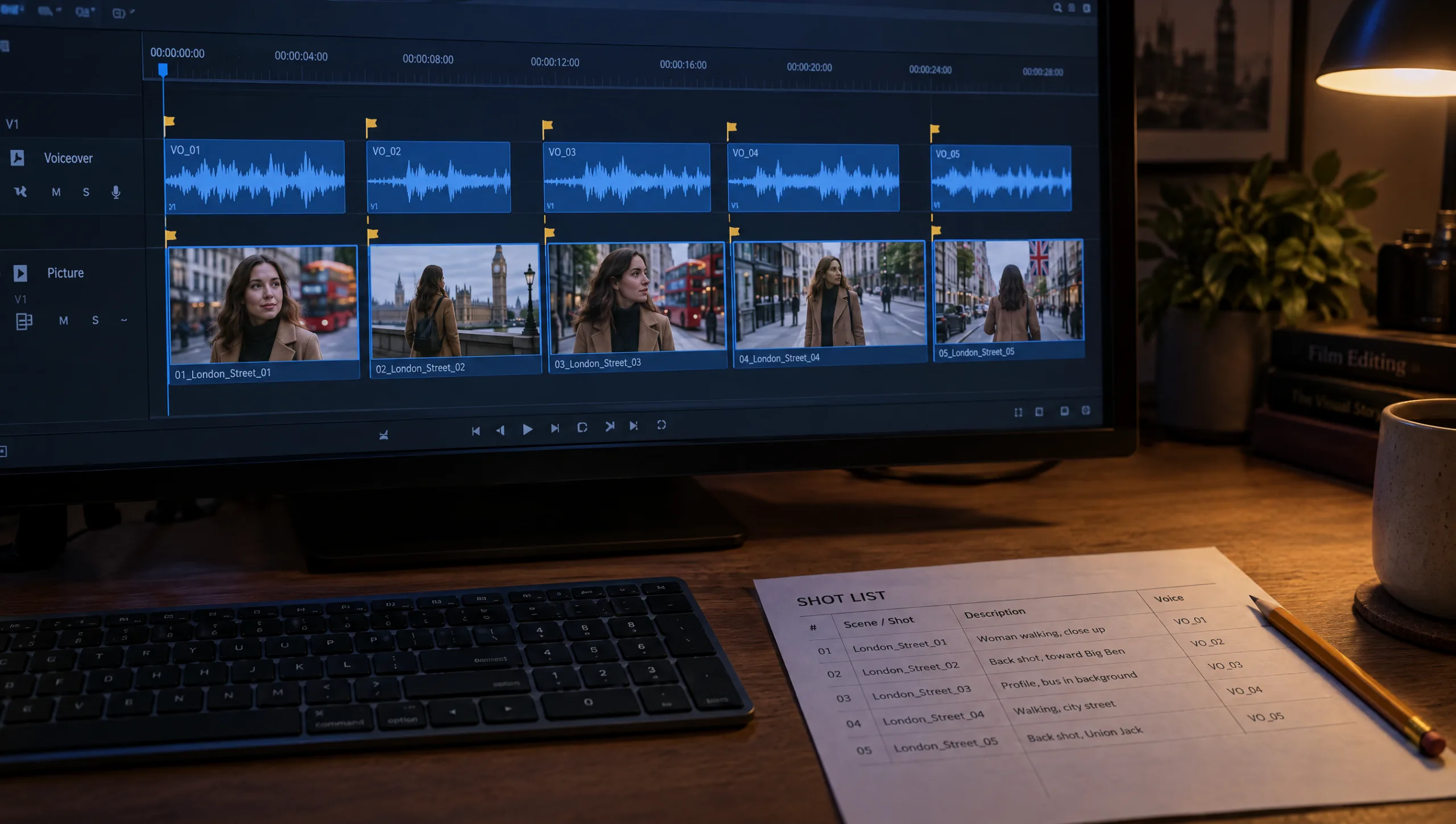
Eleven v4 handles dialogue well when each speaker has a distinct saved voice. Each line should carry at most one direction. Write the scene with the speaker’s name at the start of every line. Then generate each speaker’s lines with that speaker’s voice and settings, in the order they are spoken. Name the files by shot number and speaker. Keep the two voices clearly apart in age or texture, because two similar voices blur in a cut. Otherwise the audience loses track of who is speaking. Finally, lay the lines on the timeline with the gaps a real conversation has. Let the picture cut on the listener as often as on the speaker.
Prompt 2: Dialogue Scene Builder (run in Claude or ChatGPT)
Format this scene for Eleven v4 as a two-voice dialogue. Rules: speaker name at the start of every line; at most one audio tag per line, placed at the start, only where the delivery changes; pauses written as punctuation; no sound effect tags; each line under twenty words unless the story needs more. Keep each speaker inside their voice lock: [NAME ONE]: [PASTE LOCK]. [NAME TWO]: [PASTE LOCK]. Return the formatted scene, then a generation order with a file name for each line in the form shot-number-speaker-take1, then the one exchange where the two voices must overlap or interrupt, if any.

Scene: [PASTE]
Step 5: Perform the Line That Will Not Land
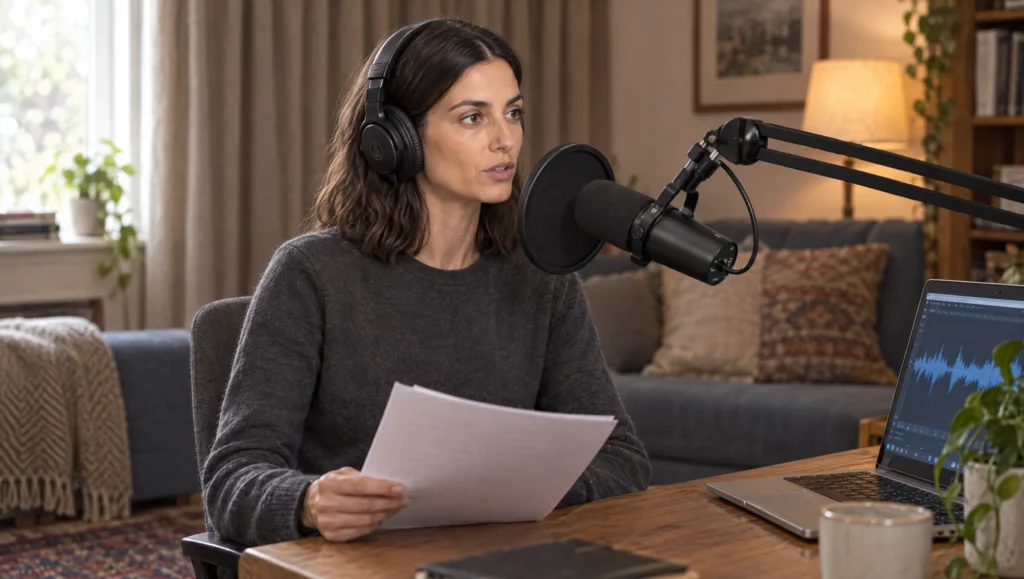
Some lines need an actor, not a tag. For those, record the line yourself with the timing and feeling you want. Then use Speech to Speech in ElevenLabs to convert your performance into the character’s voice. In other words, the character keeps its voice and you supply the acting. This works best for short lines with a specific rhythm, a laugh in the wrong place, or a word that breaks. It is also the fastest way to fix a line that three tagged takes have not fixed.
Prompt 3: Performance Notes (run in Claude or ChatGPT before you record a line for Speech to Speech)
I am going to perform this line myself and convert it into a character's voice. Give me performance notes in four lines: where the breath goes, which word carries the weight, where the pace changes, and what the character is thinking but not saying. Then rewrite the line with the pauses marked as ellipses so I can read it from the page.

Line: [PASTE]
Character voice lock: [PASTE]
The line before and after: [PASTE]
Step 6: Add Voice to the Character Sheet
The character sheet already holds the face, the outfit locks and the identity set. Give it a Voice section. It holds the voice lock, the voice name in ElevenLabs and how it was made, the model and settings, the two test lines and their file names, and the lines the voice does badly. After that, add a Voice column to the scene log so every shot with speech records which voice and which take. The full sheet is in my guide to creating a consistent AI character from scratch.
Prompt 4: Character Voice Entry (run in Claude or ChatGPT)
Turn these notes into a Voice section for a character sheet with these fields: Voice lock (five lines); Voice name in ElevenLabs and how it was made (library, designed, or clone with consent); Model and settings; Test lines and file names; Does badly (lines or registers to avoid); Last checked date. Then write one prompt library entry for the Voice purpose with six fields: Name, Prompt, Needs, Result, Notes, Source.

Notes: [PASTE]
Patricia’s Note
Common mistake
Choosing the voice from the scene. A tense scene gets a tense voice, a warm scene a warm one, and the character ends up with four voices. Instead, choose the voice from the lock, once, and let the scenes change the direction, not the voice. If a character truly needs a different voice in a scene, that is a story decision, and it goes in the script.
Quick version
Write a five-part voice lock for each character before you pick a voice. Make the voice from the Voice Library, from Voice Design with the lock as the description, or from a consenting performer’s clone. Then test every candidate with the same two lines. Lock the model and settings with the voice. Build dialogue in Eleven v4 with one distinct voice per speaker and one tag per line. Perform the hard line yourself and convert it with Speech to Speech. File it all in the character sheet.
Your move
Run Prompt 1 on your main character tonight and get the lock and the two test lines. Then shortlist three library voices and test them with those lines only. Finally, save the winner under the character’s name and write the voice name into the character sheet before you close ElevenLabs.
Get the prompts. All four prompts from this guide are in the free Prompt Library under Voice and Character, together with the voice lock template.
Related articles
- how to create a consistent AI character from scratch
- how to keep two AI characters consistent in one scene
- how to clone your voice in ElevenLabs for AI film voiceovers
- how to direct an AI voiceover with ElevenLabs audio tags
- how to record the voiceover for an AI short film
Paid next step: The AI Character Continuity System, the complete method with 72 prompts, now with the voice lock and the Voice section of the character sheet.
Frequently Asked Questions
How do I keep an AI character’s voice the same in every scene?
Write a voice lock and choose one voice against it. Lock the model and settings with the voice, and record all of it in the character sheet. Change the direction in the script, never the voice.
Should I use Voice Design or the Voice Library?
Try the Library first with the words from the lock. Use Voice Design when nothing matches. Paste the lock as the description and keep the preview that matches the lock rather than the one that impresses.
How do I make a two-character scene sound like a conversation?
Give each speaker a distinct saved voice and keep one direction per line. Generate each speaker’s lines with their own voice and settings, and cut to the listener in the edit.
What is Speech to Speech for?
Lines that need acting. You perform the line, and ElevenLabs converts your performance into the character’s voice, keeping your timing and feeling.



Read the Comments +