AI VOICE · HOW-TO GUIDE
A fifty-second film that works in English works in Spanish, Portuguese or Japanese, if the voice stays yours and the timing stays intact. ElevenLabs gives you two ways to get there, and choosing the right one is most of the job. For a narrated film, the better route is usually to regenerate the narration in the new language with the same voice clone. Eleven v4 speaks more than ninety languages in your voice. For a film with dialogue, or a finished client video, the better route is ElevenLabs dubbing. It translates the speech, keeps each speaker’s voice, and leaves the background sound alone. This guide walks through both routes. Then it covers the part that matters in either: checking a translation you cannot read, and keeping the lines to length.
At a glance
- Pick the route: regenerate narration with your clone, or dub the finished film.
- Translate for speech, not for reading, and keep the turn line short in every language.
- Check the translation with a back-translation you can read.
- Time the new lines against the shot list, because languages run at different lengths.
- In the dubbing tool, review the transcript and the speakers before you accept the result.
- Record the language version in the scene log beside the original.
You will need: a finished film or its voiceover lines, a voice clone, the shot list, and a native speaker if you can find one for the final pass.
Route A or Route B
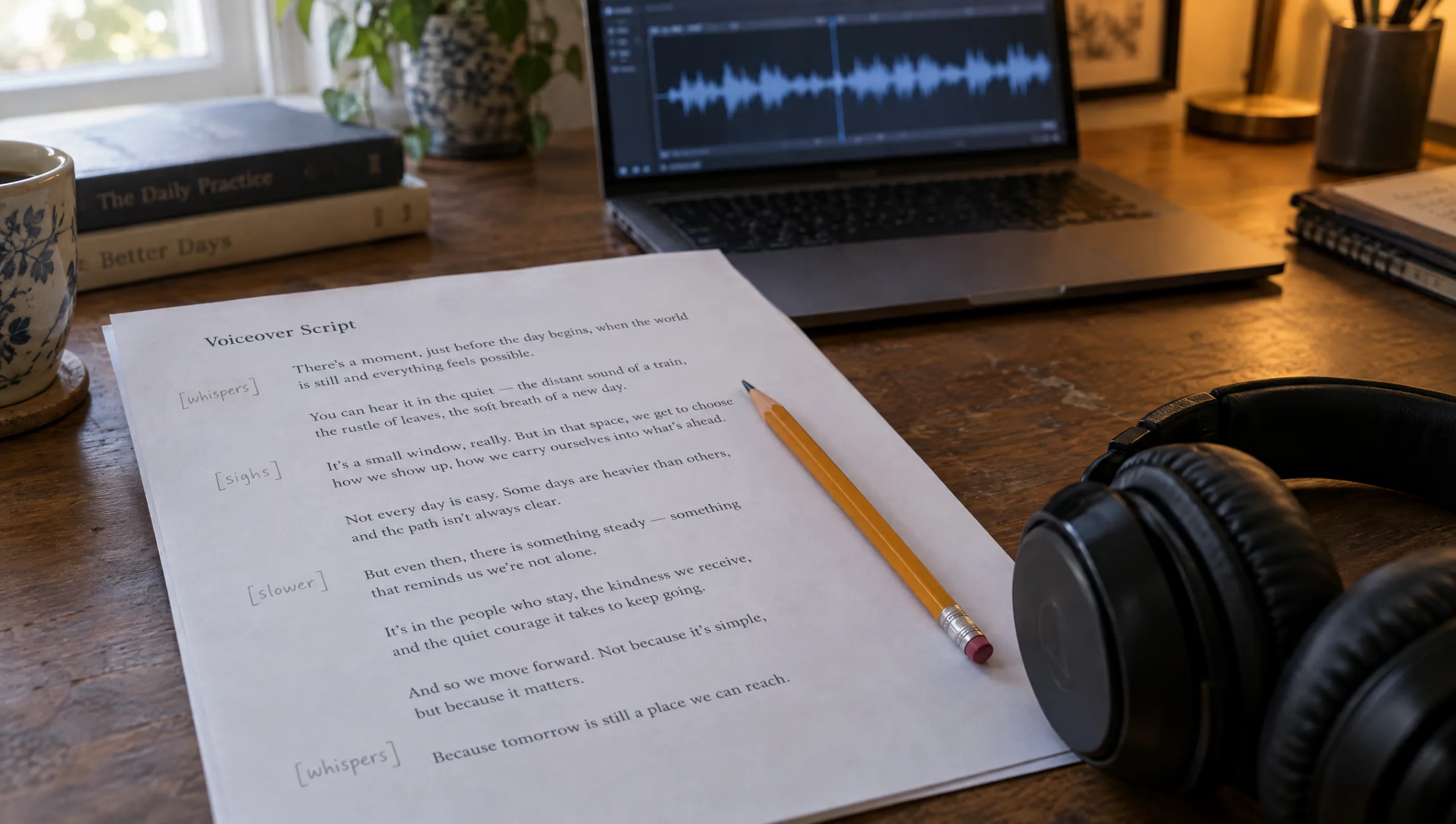
Route A, regenerate the narration. If one voice narrates your film and the lines live in your scene log, you do not need to dub anything. Translate the lines. Then generate them in the new language with the same clone, the same model and the same settings, and lay them on the same timeline. The voice is yours in the new language. The file names match the shot list, and a wrong line costs one regeneration. This route gives you the most control, and it is the one I use for my own films.
Route B, dub the finished film. If the film has dialogue between characters, or you have a finished video with music and effects already mixed, use ElevenLabs dubbing. You upload the video or audio and choose the source and target languages. Then the tool transcribes, translates and regenerates the speech in voices that match the original speakers, while keeping the background audio. It detects multiple speakers on its own. Meanwhile, the Dubbing Studio lets you edit the transcript, reassign a speaker and regenerate one clip at a time. The output is a high-quality preview rather than a final master, so plan to take the dubbed audio back into your edit.
Consequently, most AI filmmakers use Route A for narration and Route B for dialogue scenes and client work.
Step 1: Translate for the Ear
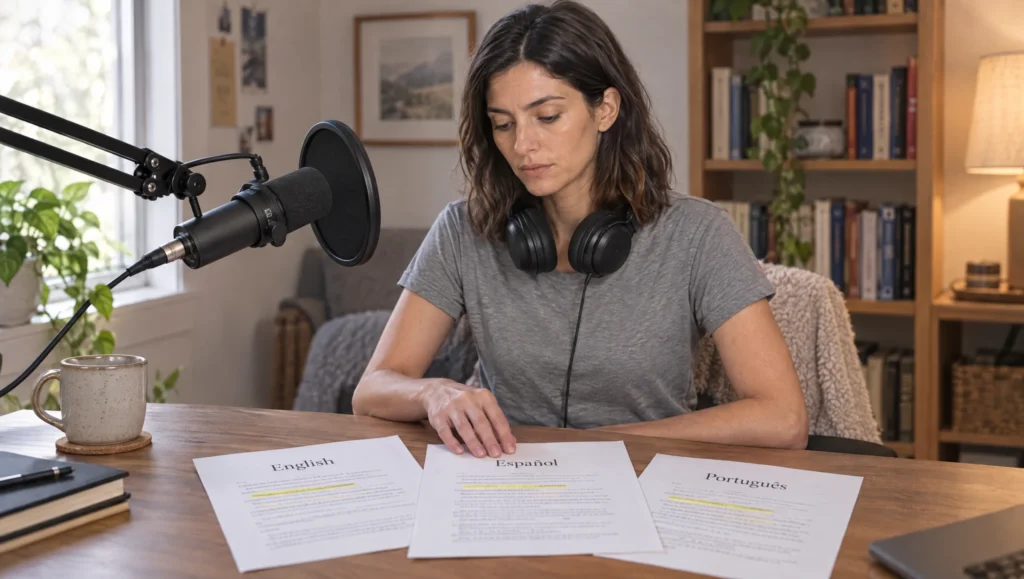
A translation for reading is not a translation for speaking. Spoken lines need shorter sentences and natural word order for the language. The turn line must stay short, because the turn is the quietest moment in the film and a long sentence kills it. Furthermore, languages run at different lengths. A Spanish or French version of an English line usually runs longer, and a Japanese version may run shorter. So the word budget from the voiceover guide has to be redone per language.
Prompt 1: Spoken Translation (run in Claude or ChatGPT on your voiceover lines)
Translate these voiceover lines from [SOURCE LANGUAGE] into [TARGET LANGUAGE] for speech, not for reading. Rules: keep each line close to its original length when spoken aloud, and say where the translation is longer; use natural spoken word order and everyday vocabulary; keep the turn line (marked) as short as the original or shorter; keep names unchanged; keep any audio tags in square brackets exactly where they are, in English. Return a table: shot number, original line, translated line, estimated spoken length at the natural pace of the target language, and a note where meaning had to shift.

Lines: [PASTE WITH SHOT NUMBERS]
Turn line: [SHOT NUMBER]
Register: [ONE LINE ON TONE, FOR EXAMPLE QUIET, FIRST PERSON, WARM]
Step 2: Check What You Cannot Read
You can check a translation in a language you do not speak by translating it back without showing the original. If the back-translation says what your film says, the lines are safe. If a line comes back with a different feeling, that is the line to send to a native speaker. This takes five minutes and catches most of the errors that make a dub sound wrong.
Prompt 2: Back-Translation Check (run in a fresh chat, without the original lines)
Translate these [TARGET LANGUAGE] voiceover lines into [SOURCE LANGUAGE] literally, keeping the word order where it is unusual, so I can see exactly what they say. For each line add one word describing its tone (for example neutral, warm, formal, abrupt, playful) and flag any line that sounds like written language rather than speech.

Lines: [PASTE TRANSLATED LINES ONLY]
Compare the back-translation with your original script line by line. Then fix only the lines that drifted, and run the check again on those.
Step 3: Route A, Regenerate With Your Clone
In Text to Speech, select the same clone and Eleven v4, and keep the settings you logged for the original. Paste one translated line at a time, with the same audio tag the original line carried. Name each file by shot number and language, such as 3-2-es-take1. Then measure each file against its shot. Where a line runs long, cut words in the target language with the trimmer from the voiceover guide, rather than raising the speed. After that, lay the new lines on a copy of the original timeline, and move cuts only where the new language forces it.
One caution. A clone trained only in one language will speak another with the accent of the first, and often well. If the accent is wrong for the film, record a short instant clone in the target language instead. Or ask a native speaker to record the reference.
Step 4: Route B, Dub the Finished Film
In ElevenLabs, open Dubbing, upload the film, and set the source and target languages. Include the regional variant if it matters, such as Mexican Spanish rather than European. Choose the Dubbing Studio rather than the one-click option when you want control. The Studio lets you edit the transcript, correct the translation, reassign a line to the right speaker and regenerate a single clip. Before you accept anything, read the transcript against your script, because the transcription is where most dubbing errors begin. Then check the speakers, since a two-character scene with overlap can confuse the detection. Finally, export the dubbed audio and bring it into your edit, where you can balance it against the original music and effects.
Prompt 3: Dubbing Studio Review (run in Claude or ChatGPT with the Studio transcript pasted in)
Here is the transcript and translation the dubbing tool produced for my film, with speaker labels, alongside my original script. Answer in one line each: 1. Which transcript lines differ from the script, and how? 2. Which translated lines changed the meaning or the tone? 3. Which lines are assigned to the wrong speaker, judging by the script? 4. Which lines are likely to run longer than the original and may need shortening? Then return a corrected transcript and translation I can paste back into the Studio.

Original script: [PASTE]
Dubbing transcript and translation: [PASTE]
Step 5: Keep the Timing Honest
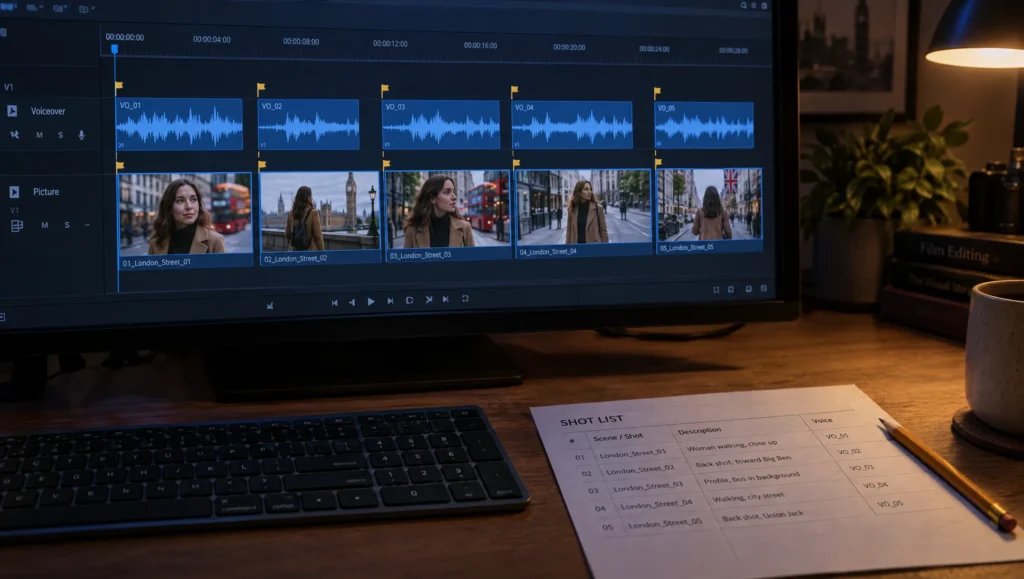
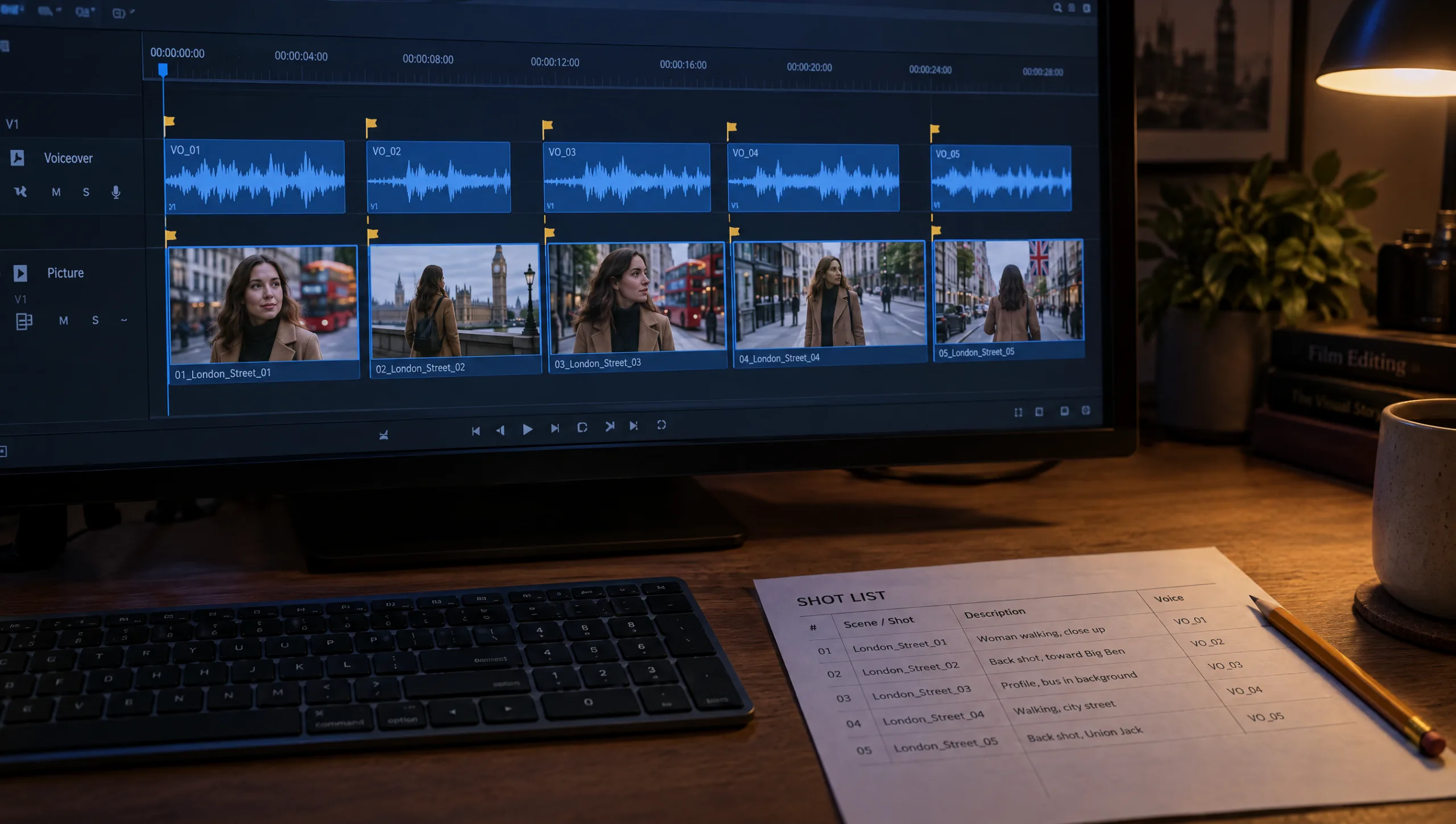
Whichever route you take, the second language will not land on the same frames as the first. So treat the new voice as a new clock. Lay it down first, mark the breaths, and let the picture move to the markers, as in the voiceover guide. The shot list is the same; only the Voice column changes. Where a shot cannot hold a longer line, shorten the line. Where a line is now shorter than its shot, let the silence sit. A film may breathe differently in a different language.
Step 6: Log the Language Version
Each language version gets its own rows in the scene log. Record the language, the translated line, the file name, the take, and any line you shortened. The library entry for the voice gains a note on how the clone performs in that language. Add whether you needed an instant clone for the accent.
Prompt 4: Language Version Log (run in Claude or ChatGPT after the version is finished)
Build a language version log for my film as a table: shot number, original line, [TARGET LANGUAGE] line, file name, take chosen, spoken length, shortened (yes or no), note. Then add three lines at the bottom: the route used (regenerate or dub), the voice and settings used, and what to do differently for the next language.

Notes: [PASTE]
Patricia’s Note
Common mistake
Dubbing a narrated film you could regenerate. Dubbing suits finished videos with several speakers. For a one-voice narrated film with the lines already in a scene log, it adds three things you do not want: a transcription step, a translation you did not control and a preview-quality output. Regenerate the lines with your clone instead, and keep dubbing for dialogue and for films you did not make.
Quick version
Narrated film: translate the lines for speech and back-translate to check. Then regenerate each line with the same clone in Eleven v4, and recut to the new breaths. Film with dialogue or a finished client video: use ElevenLabs dubbing with the Studio. Review the transcript and the speakers before you accept, then bring the dubbed audio into your edit. In both routes, keep the turn line short, cut words rather than speed, and log the version.
Your move
Take the voiceover lines from your last film and run Prompt 1 into one language you want an audience in. Then run Prompt 2 on the result in a fresh chat and compare. Generate only the turn line with your clone and listen to it. If it still sounds like you, the rest of the film will too.
Get the prompts. All four prompts from this guide are in the free Prompt Library under Voice, together with the language version log template.
Related articles
- how to clone your voice in ElevenLabs for AI film voiceovers
- how to record the voiceover for an AI short film
- how to direct an AI voiceover with ElevenLabs audio tags
- how to turn a script into a shot list for AI video
Paid next step: The 50 Second Story Builder, with the voice prompt set and the language version log.
Frequently Asked Questions
Should I dub my AI film or regenerate the voiceover?
Regenerate if one narrator speaks and the lines are in your scene log. Dub if the film has several speakers in dialogue or is a finished video with a mixed soundtrack.
Does ElevenLabs dubbing keep my voice?
Yes. It detects each speaker and regenerates the translated speech in a matching voice, and it keeps the background audio. The Studio lets you correct the transcript and the speaker assignment before you accept the result.
Will my voice clone speak another language with an accent?
Often, yes, with the accent of the language it was trained in. If that is wrong for the film, make a short instant clone from a recording in the target language.
How do I check a translation in a language I do not speak?
Back-translate it in a fresh chat without the original and compare line by line. Send only the lines that drift to a native speaker.



Read the Comments +