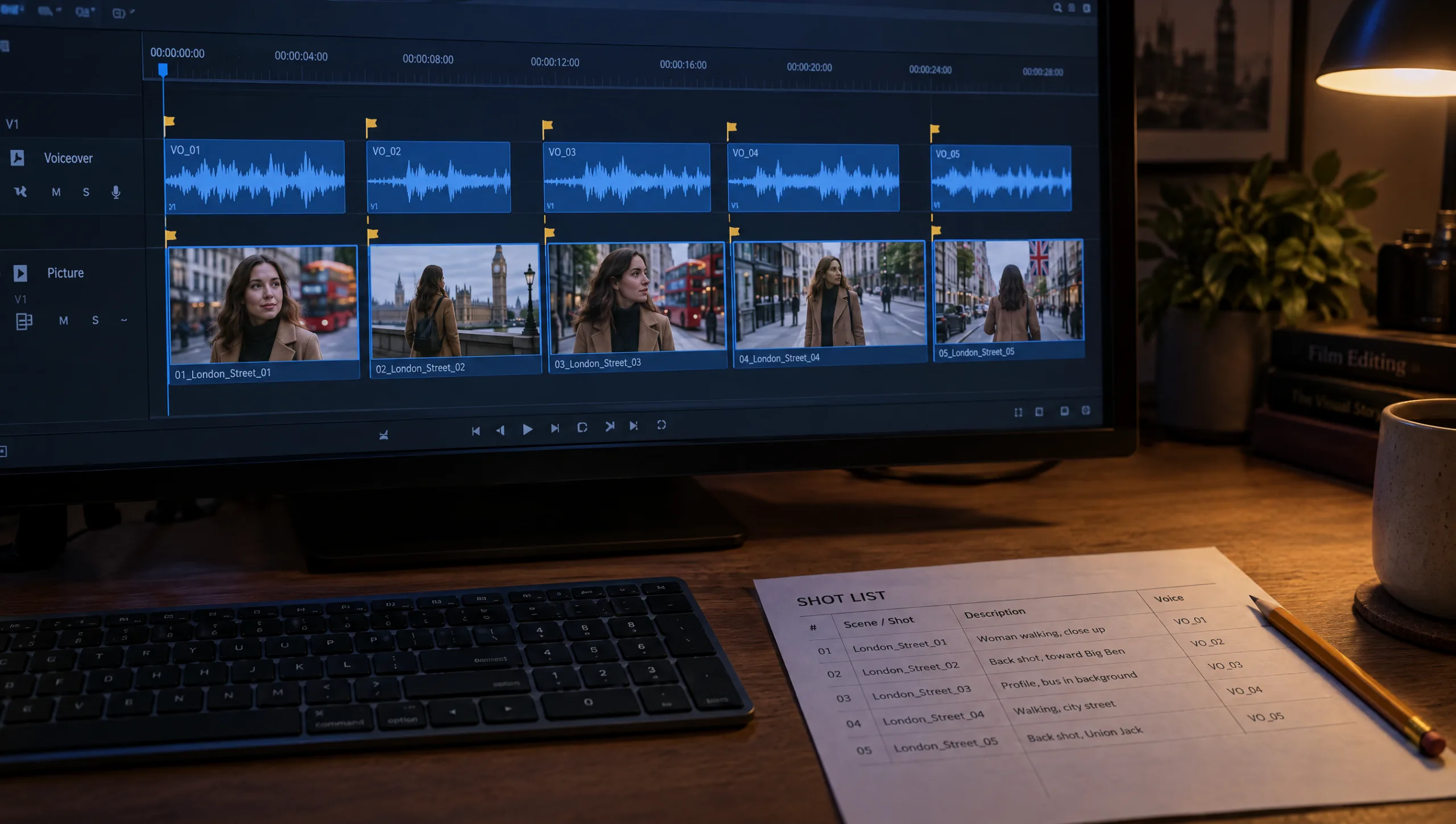
AI VOICE · HOW-TO GUIDE
The script is fifty seconds on paper and seventy seconds out loud. Every AI filmmaker meets that gap. Most of them close it the wrong way, by speeding the voice up until it sounds like a different person. An AI voiceover for a short film needs to be built to length, not squeezed to it. That means a word budget before you write and generation one line at a time. Then the edit cuts the picture to the breaths rather than the breaths to the picture. This guide gives you the budget, the generation habit, the trimming method, a take log and the editing order. It assumes you have a voice already, either a clone from my guide to cloning your voice in ElevenLabs or a library voice, and a script written to the five beats.
At a glance
- Budget the words per beat before you write the lines.
- Generate one line at a time, named by shot number, never the whole script at once.
- Fit a long line by cutting words, not by raising the speed.
- Keep a take log: three takes for the lines that matter, one for the rest.
- Lay the voice on the timeline first and cut the picture to the breaths.
- Record the voice, model and settings in the scene log beside each shot.
You will need: a five-beat script, a shot list, a voice in ElevenLabs with Eleven v4 selected, and your editing software.
The Voice Is the Clock
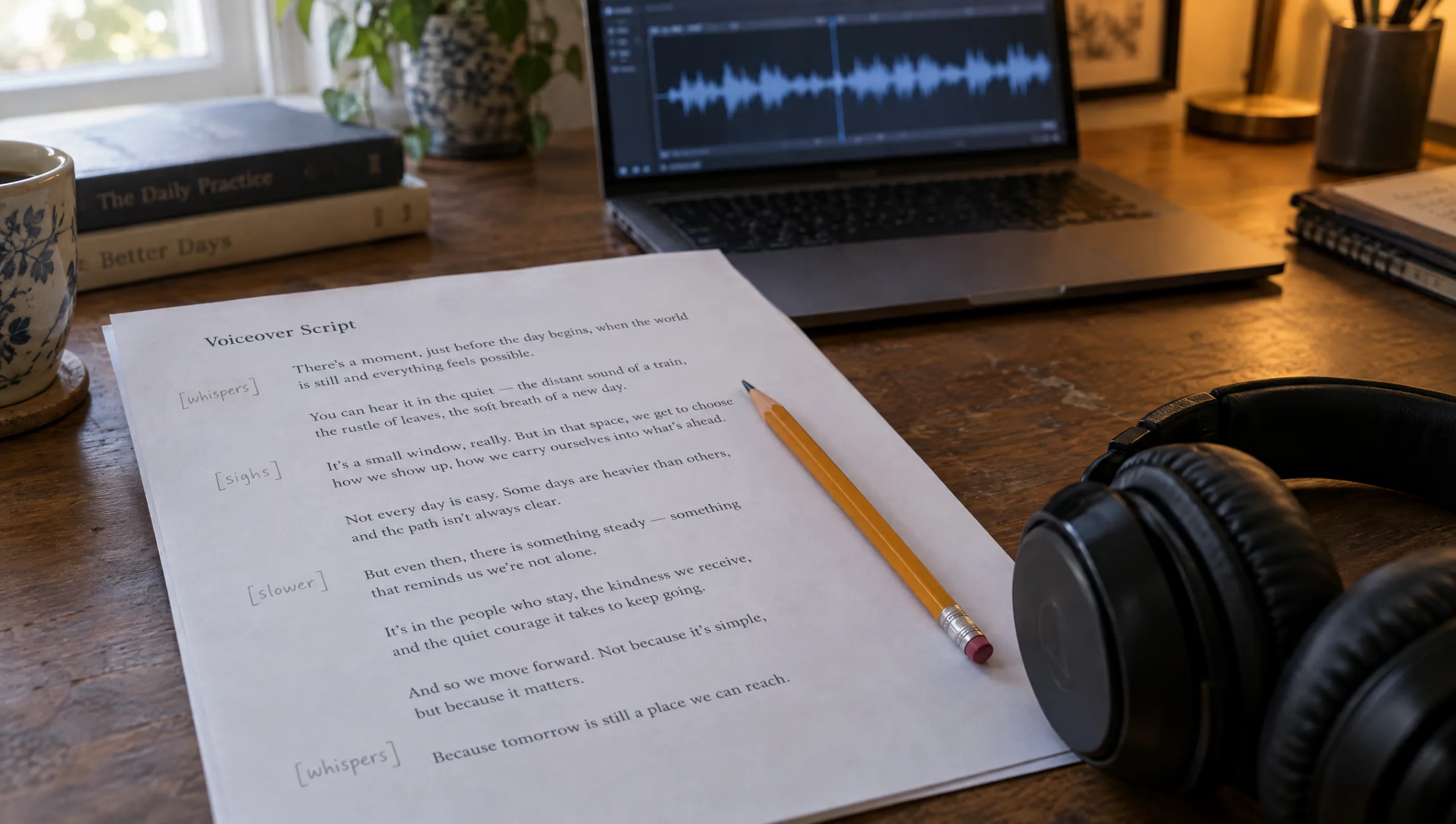
In a fifty-second film nothing is more fixed than the length of a spoken line. A shot can be trimmed by a second without anyone noticing. A sentence cannot. So the voice sets the rhythm, and the picture follows it. The practical consequence is an order of work: write to a budget, generate the lines, measure them, and only then cut. Narration with natural pauses runs at roughly two words a second. So a fifty-second film carries about ninety to one hundred and ten words of voiceover. It carries far fewer if the film has silence in it, which the best ones do.
Step 1: Budget the Words Per Beat
The five beats carry the seconds, so they carry the words too. The standard budget is six, ten, fourteen, twelve and eight seconds. So the image beat gets about ten words, the want about twenty and the obstacle about twenty-eight. Then the turn gets about twenty, and the landing about twelve. Those numbers are ceilings. A beat that is mostly picture needs fewer, and a turn that lands on one word needs almost none.
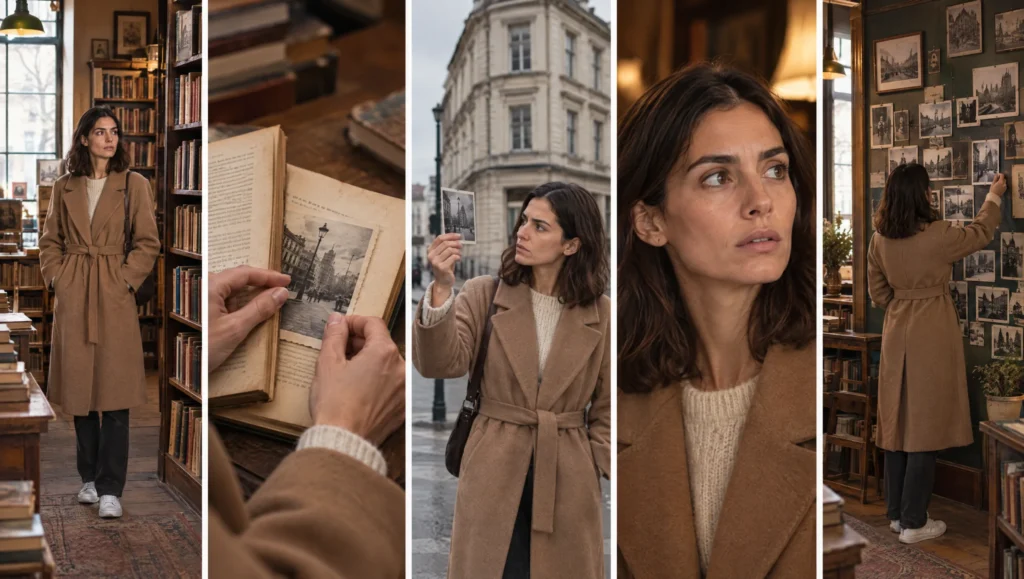
Prompt 1: Voiceover Word Budget (run in Claude or ChatGPT on your five-beat outline)
Here is a five-beat outline for a fifty-second film with the seconds for each beat. For each beat, give the maximum number of voiceover words at two words a second, then subtract for any beat that should play in silence or under music. Then write the voiceover for each beat inside its word limit, in the first person, plain spoken prose, one or two short lines per beat, with the turn landing on the fewest words in the script. Return a table: beat, seconds, word limit, words used, lines.

Outline: [PASTE]
Beats that should be silent or near silent: [LIST OR NONE]
Narrator: [ONE LINE ON WHO IS SPEAKING AND HOW]
Step 2: Generate One Line at a Time
Paste the whole script into Text to Speech and you get one long file with the pauses the model chose, and when a single line is wrong you regenerate everything. Instead, generate each line as its own file. Use the same voice, the same model and the same settings for every line. Consistency between files is what makes them sound like one read. Name each file by its shot number from the shot list, such as 3-2-take1, so the voice and the picture share a numbering system. Then direct each line with one audio tag at most, using the method in my guide to ElevenLabs audio tags.
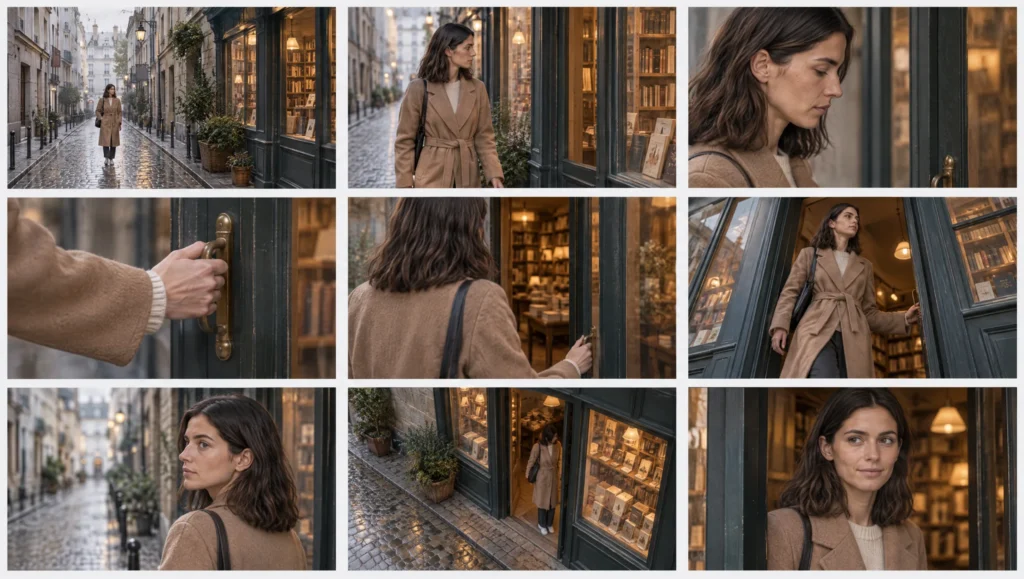
Prompt 2: Voiceover Lines From the Shot List (run in Claude or ChatGPT once the shot list exists)
Here is my shot list for a fifty-second film and the voiceover for each beat. Assign each voiceover line to the shot it should play over, so that no shot carries more than one line and no line runs longer than its shot's duration at two words a second. Where a line is too long for its shot, split it or shorten it and say so. Return one row per line: shot number, duration, line, word count, estimated seconds, and the audio tag if any. Add a file name for each line in the form shot-number-take1.

Shot list: [PASTE]
Voiceover by beat: [PASTE]
Step 3: Fit the Line by Cutting Words
Measure every file. When a line runs longer than its shot, the fix is in the words. Cut an adjective, lose a clause, or let the picture say the first half. Keep the speed setting at or near its default, because a voice pushed above it loses body and a voice pushed below it drags. A small adjustment to the speed setting to tidy a line is fine. A large one is a different voice.
Prompt 3: Line Trimmer (run in Claude or ChatGPT on any line that runs long)
This voiceover line runs [N] seconds and must run [N] seconds. Give me three shorter versions that keep the meaning and the rhythm, each with a word count and an estimated length at two words a second. Version one cuts a word or two. Version two drops a clause. Version three lets the picture carry the first half and keeps only the end. Do not change the final word of the line.

Line: [PASTE]
What the picture shows during this line: [ONE SENTENCE]
Step 4: Keep a Take Log
Most lines need one take. The three or four that carry the film deserve three takes each: the first line, the turn and the last line. Generate them with different direction and compare them in a row. Log every take, even the ones you reject, because the next film will ask the same questions.
Prompt 4: Take Log (run in Claude or ChatGPT after you generate the key lines)
Build a take log for a voiceover as a table with these columns: shot number, line, take number, audio tag or direction used, length in seconds, what I noticed, chosen (yes or no). Fill it from my notes below, then add one line at the bottom naming the direction that worked most often, so I can start the next film from it.

Notes: [PASTE: for each take, the shot, the direction, the length and what you heard]
Step 5: Lay the Voice Down First
In the edit, import every chosen take and place the lines on the timeline in order, with the gaps you want between them. Then add a marker at every breath and at the end of every line. Those markers are the cut points. Place each shot so that it starts on a marker and holds until the next one, and let the silent beats stay silent. If a shot is shorter than its line, the shot is wrong, not the line. So regenerate the shot at a longer duration, or split the line across two shots. Add room tone under the whole voice track, so the gaps between lines do not fall to digital silence. Then bring music in under the voice rather than over it.
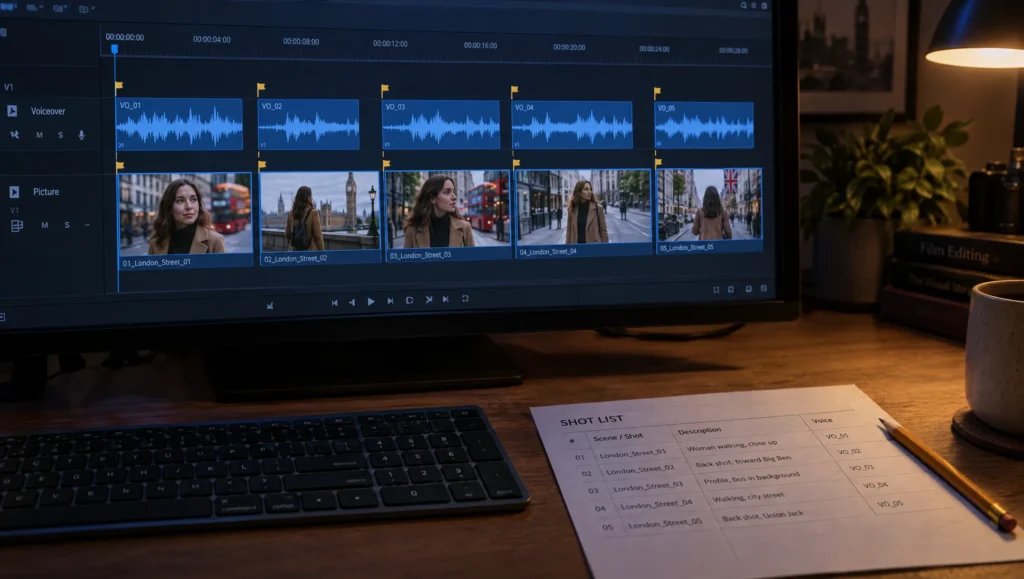
Step 6: Record It in the Scene Log
Every row of the scene log that carries a line should record the voice name, the model, the settings and the take that was chosen. That way a reshoot next month uses the same voice at the same settings. The one line that has to change then drops into a film that still sounds like itself. The voice entry in your prompt library, from the clone guide, holds the settings once; the scene log holds which take went where.
Patricia’s Note
Common mistake
Speeding up the voice to fit. It is the fastest fix and the most expensive one. A voice at a higher speed thins out, the breaths shorten, and the narrator stops sounding like a person thinking. Cut words instead. If the line cannot lose a word, the shot needs a second. And if the shot cannot have a second, the line belongs in a different film.
Quick version
The voice is the clock. Budget about two words a second per beat. Generate each line as its own file named by shot number, and fit long lines by cutting words rather than raising the speed. Keep three takes for the first line, the turn and the last line, and log them. In the edit, lay the voice down first, mark the breaths, and cut the picture to the markers. Record the voice, model, settings and chosen take in the scene log.
Your move
Take your current script and run Prompt 1 against its beats. If any beat is over its word limit, trim it now, before you generate anything. Then generate only the turn line, three ways, and listen to all three. That is the line the film is built around.
Get the prompts. All four prompts from this guide are in the free Prompt Library under Voice, together with the word budget table.
Related articles
- the voice article that closes The Art of Kama Muta series
- how to clone your voice in ElevenLabs for AI film voiceovers
- how to direct an AI voiceover with ElevenLabs audio tags
- how to write a 50-second story for an AI short film
- how to turn a script into a shot list for AI video
Paid next step: The 50 Second Story Builder, with the voiceover timing sheet, the word budgets by genre, and the complete story, script and voice prompt set.
Frequently Asked Questions
How many words fit in a fifty-second voiceover?
About ninety to one hundred and ten at a natural pace with pauses, and fewer if the film has silent beats. Budget by beat at roughly two words a second.
Should I generate the whole script in one go?
No. Generate each line as its own file with the same voice and settings, named by shot number. Then a wrong line costs one regeneration, not the whole script.
What do I do when a line is too long for its shot?
Cut words. Keep the speed setting near its default, because a voice pushed faster loses body. If the line cannot be cut, give the shot more time.
Do I edit the picture or the voice first?
The voice. Lay the lines on the timeline, mark the breaths, and cut the shots to the markers.


Read the Comments +