AI VOICE · HOW-TO GUIDE
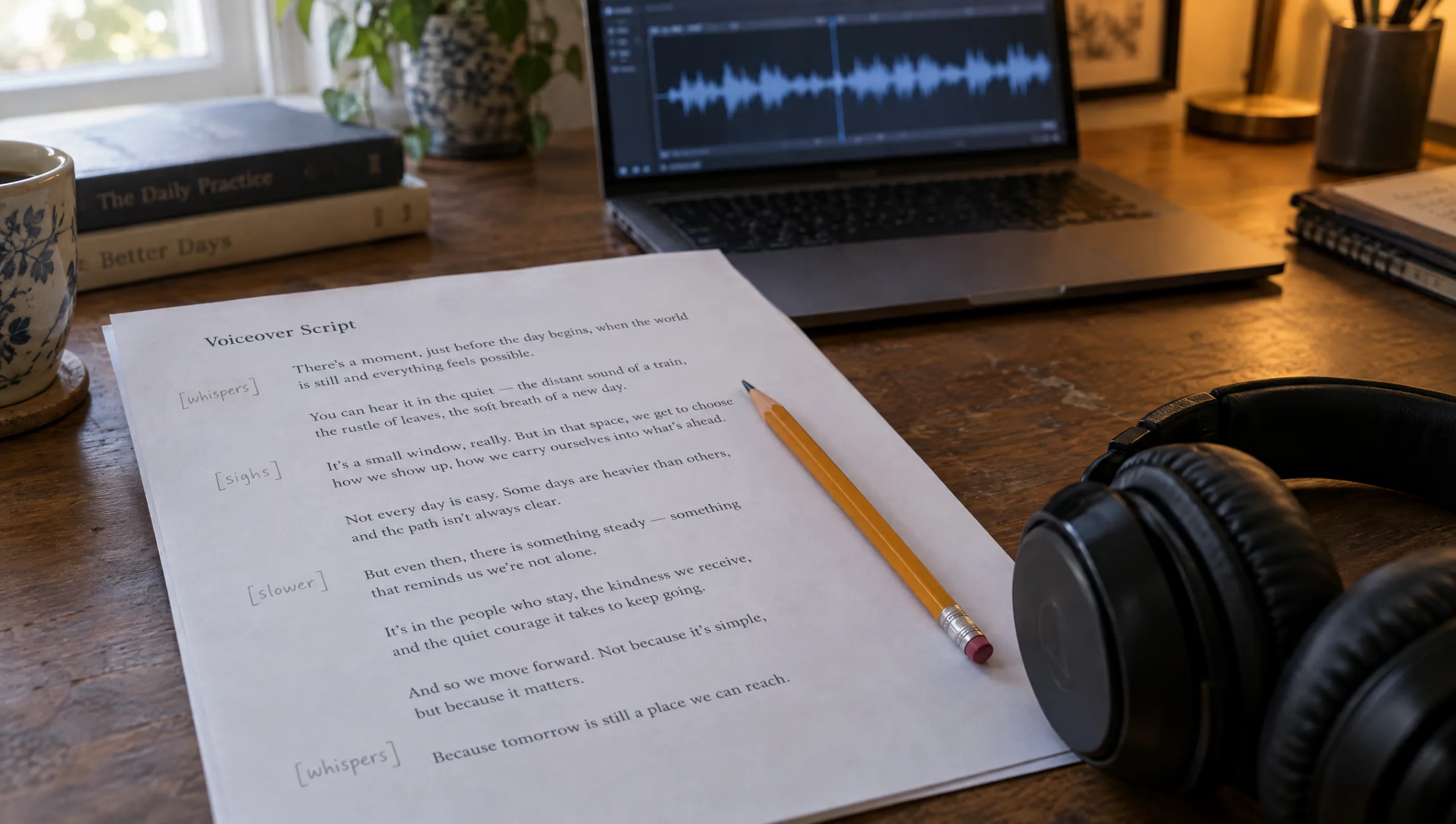
A voice clone can sound exactly like you and still read your script like a weather report. The words are right, the pace is wrong, and the line that should break the audience lands flat. The fix is direction, and in ElevenLabs direction is written into the script with audio tags. An audio tag is a short instruction in square brackets, such as [whispers] or [sighs], placed where the delivery should change. Used sparingly it turns a read into a performance. Used carelessly it turns the read into a mess of sound effects. This guide shows you how tags work in Eleven v4, how to combine them with punctuation, how to keep them to one direction per line, and how to test a line three ways before you commit. Then it walks through a real tagged script, line by line.
At a glance
- Tags are stage directions: put one where the delivery changes, not on every line.
- Use the tags the model knows, and describe anything else plainly, such as [low, gravelly voice].
- Pauses come from punctuation: full stops, commas and ellipses, with a dash for a short beat.
- Capitals add emphasis, so use them on one word, not a sentence.
- Test a line three ways with the take sheet before you choose.
- Give each speaker in a dialogue a different voice, because the voice carries the character.
You will need: a voice clone or a library voice, Eleven v4 selected in Text to Speech, and a voiceover script broken into lines.
What Audio Tags Are
In Eleven v4, an audio tag is text in square brackets that the model reads as a direction rather than as words to speak. ElevenLabs groups the ones it supports into three kinds. Voice tags change delivery and emotion: [laughs], [whispers], [sighs], [exhales], [sarcastic], [curious], [excited], [crying], [mischievously]. Sound tags add a noise, such as [applause] or [gunshot]. Experimental tags, such as a strong accent or [sings], work less consistently from voice to voice. The model follows tags more reliably in v4 than before, but ElevenLabs is clear that they are not perfect, and the result still depends on the voice. A calm voice will not shout convincingly, and a bright one will not whisper well.
Rule 1: One Direction Per Line
Direct the way you would direct a person. You would not say “sad, slower, whispering, trembling” before one sentence, and the model does not want it either. So write one tag at the start of the line where the delivery changes, and leave the next lines alone until it changes again. If a line needs two things, it is usually two lines.
Rule 2: Use Known Tags, Then Describe
Start with the tags ElevenLabs lists, because the model has heard them most. When you need something the list does not cover, describe it plainly in the bracket, for example [low, gravelly voice] or [imitating him gently]. Be specific, because a vague tag can be read as a sound effect rather than a delivery. The word “bang” in a bracket is a gunshot, not an emphasis.
Rule 3: Pauses Live in the Punctuation
Eleven v4 does not support the old break tags, so the pauses come from the writing. A full stop is a beat. A comma is half a beat. An ellipsis is a hesitation with weight on it. A dash gives a short pause inside a sentence. Line breaks help too. If you want a long silence between two lines, add an ellipsis at the end of the first, or write the pause as its own short tag such as [long pause] and test whether your voice honours it. Some voices do, and some read it as a sigh.
Rule 4: Emphasis Is One Word in Capitals
Capital letters raise emphasis, so give them to one word in a line, the word that carries the meaning. A whole line in capitals is a shout, and a shout in a quiet film is a mistake.
Rule 5: Keep the Voice Where It Lives
Tags work best when the delivery is something the voice already does. A professional clone trained on warm narration will whisper and sigh beautifully. It will struggle with [excited] if you never recorded excitement. Therefore, when a tag fails, the fix is often not another tag but a different voice or more training material in that register.
The Prompts
Prompt 1: Tag Director (run in Claude or ChatGPT on a plain voiceover script)
Direct this voiceover for Eleven v4 audio tags. Rules: one tag at most per line, placed at the start of the line, and only where the delivery changes from the previous line. Use these tags first: [whispers], [sighs], [exhales], [laughs], [sarcastic], [curious], [excited], [crying], [mischievously]. Where none fits, write a plain descriptive tag of two or three words. Mark pauses with punctuation only: full stops, commas, ellipses, and a dash for a short beat inside a sentence. Put at most one word per line in capitals for emphasis, and only where it matters. Do not add sound effect tags. Return the script with one line per sentence or beat, and a one-line note at the top on the overall register.

Script: [PASTE]
Overall feeling: [ONE LINE]
The line that must land: [PASTE THE LINE]
Prompt 2: Tag Audit (run in Claude or ChatGPT on a tagged script that did not sound right)
Audit this tagged voiceover script for Eleven v4 and answer in one line each: 1. Which lines carry more than one direction, and which tag should survive? 2. Which tags could be read as a sound effect rather than a delivery, and what plain description replaces them? 3. Where do two consecutive tags contradict each other? 4. Which pauses are written as tags that should be punctuation instead? 5. Which tags ask the voice for a register it may not have, given this description of the voice: [DESCRIBE THE VOICE AND ITS TRAINING]? Then return the corrected script.

Script: [PASTE]
Prompt 3: Take Sheet (run in Claude or ChatGPT on the one line that must land)
Write three versions of this line for Eleven v4, each directed differently, so I can generate all three and choose. Version A: no tag, pauses by punctuation only. Version B: one emotional tag from the known list. Version C: one plain descriptive tag of two or three words plus one word in capitals. Keep the words of the line identical. Label each version and add a one-line note on what each should sound like.

Line: [PASTE]
Context: [THE LINE BEFORE AND THE LINE AFTER]
Prompt 4: Two-Voice Dialogue (run in Claude or ChatGPT on a scene with two speakers)
Format this two-character scene for Eleven v4 as a dialogue, with the speaker name at the start of each line, one tag at most per line only where the delivery changes, pauses as punctuation, and no sound effect tags. Keep each speaker's lines in their own voice: [NAME ONE] is [TWO WORDS ON THEIR MANNER], [NAME TWO] is [TWO WORDS]. Return the formatted scene and a note on which library voice type suits each speaker.

Scene: [PASTE]
A Real Tagged Script, Line by Line
Here is the voiceover from one of my own short films, written for Eleven v4 with my professional clone. Read it first, then the notes.
[thoughtful] There's a version of me that exists only in the three seconds before something goes wrong.
[mischievously] Completely calm. Completely unaware.
[sighs] I miss her already.
[warmly] In Louboutin, my daughter called. When we hung up, [imitating him gently] Tyrone said, "Put your phone away."
[mischievously] So I did. Straight into my bag. Zipped. Responsible.
[short pause]
[surprised] Then someone bumped me.
[short pause]
Later, I reached for Apple Pay.
[whispers] Nothing.
[anxious] I ran back. Searched everywhere. Asked for CCTV.
[sarcastic] They gave me a form.
[sad] Three days later, the phone was still gone. Insurance covered damage.
[appalled] Not theft.
[long pause]
[thoughtful] Then, on a London street, I saw the light falling beautifully between the buildings.
[slower] My hand rose to photograph it.
[inhales deeply]
[whispers] Empty.
[long pause]
[surprised] And then I heard, "Mum."
[voice trembling] My daughter put her own phone away, took that empty hand, and pulled me into her arms.
[crying softly] The phone had stored my memories.
But it was never the memory.
[whispers] She was.
[exhales]
[tenderly] Maybe some moments aren't meant to be captured.
[whispers] Only held.
Hear the Difference
Hear the difference before you read the notes. The first recording is the tagged script above, read by my professional clone in Eleven v4. The second is the same words with no tags at all, read in Eleven v3. Listen to the line “Empty”, then to the ending, because that is where the direction does most of its work. The tagged read is also fifteen seconds shorter, which tells you something about what tags do to pace.

What to Notice in the Script
A few things to notice. First, almost every line carries one tag or none, and the tag sits at the start. The one exception is the fourth line, where [imitating him gently] lands mid-sentence because the delivery changes mid-sentence, when the narrator quotes someone else. Second, the comic beat is built from punctuation, not tags: “Straight into my bag. Zipped. Responsible.” is three full stops doing the timing.
Third, the pauses are written as their own lines. The [short pause] and [long pause] tags are plain descriptions rather than listed tags, so they need testing with your voice; if the voice reads them as a breath, replace them with an ellipsis at the end of the previous line. Fourth, the turn of the film, the word “Empty”, gets the quietest tag in the script, [whispers], after an [inhales deeply] on its own line. The breath is the pause.
Finally, the ending steps down: [crying softly], then no tag, then [whispers], then [exhales], then [tenderly], then [whispers]. The script gets quieter as the feeling gets bigger, which is the opposite of what a first draft usually does.
Patricia’s Note
Timing the Read to the Cut
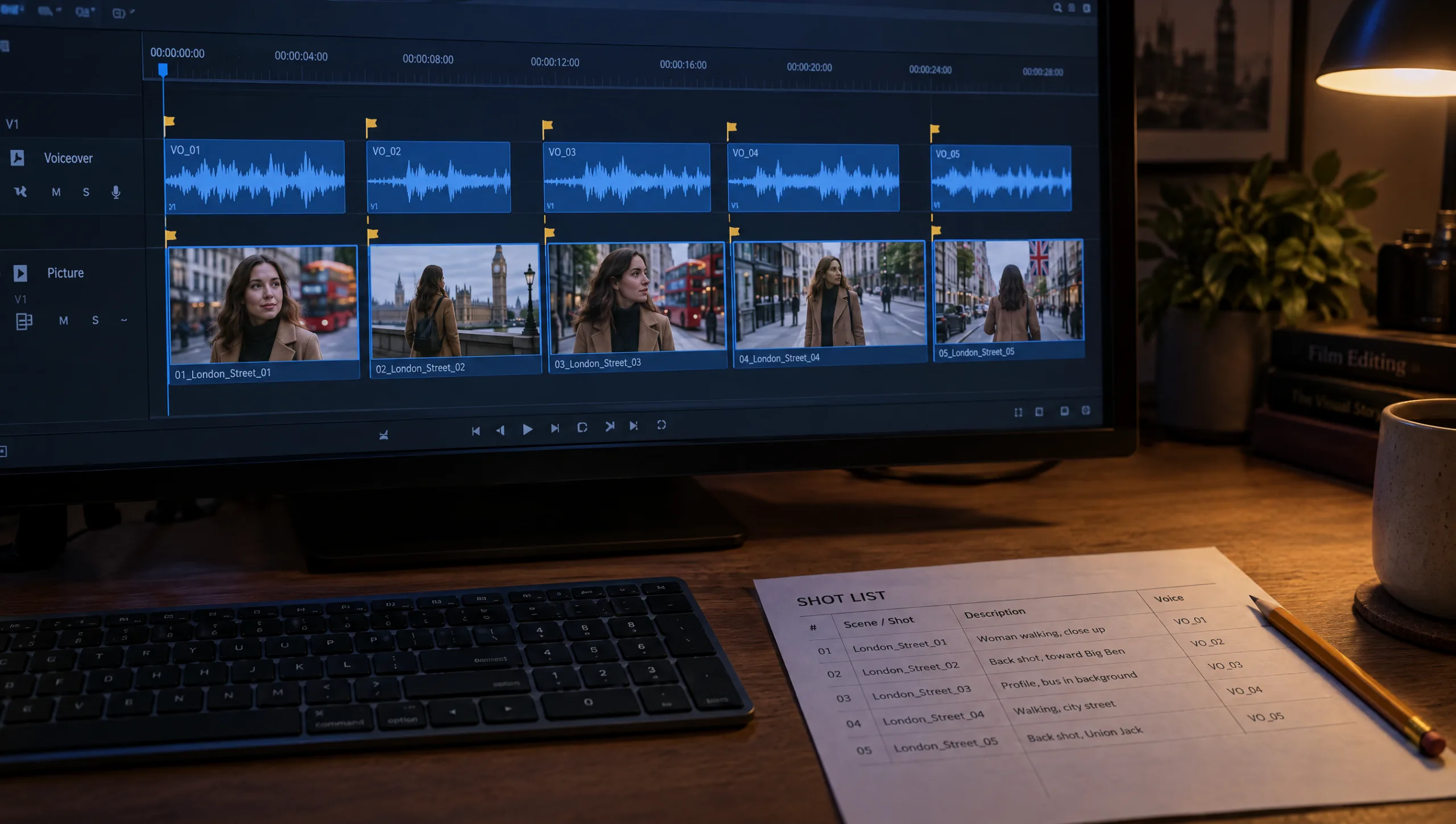
A tagged script changes length, because whispers are slower and pauses are real. So generate the voiceover before you lock the edit, not after. Put the finished read on the timeline, then cut the shots to the breaths. If a line runs long, change the words rather than the speed setting, because speed above the default thins the voice. The full method for fitting narration to a fifty-second film is in my guide to recording the voiceover for an AI short film.
Common mistake
Tagging every line. A script where every line opens with a different emotion sounds like a voice changing its mind. The model also starts to treat the brackets as noise and ignores the ones that matter. Direct the changes, not the lines. If nothing changes, write nothing.
Quick version
In Eleven v4 an audio tag is a direction in square brackets. Put one at the start of a line only where the delivery changes. Use the listed tags first and describe anything else in two or three plain words. Write pauses as punctuation, with an ellipsis for weight and a dash for a short beat. Put one word in capitals for emphasis. Test the line that matters three ways with the take sheet. Keep the voice in the register it was trained in.
Your move
Take the one line in your current script that has to land. Run Prompt 3, generate all three versions with the same voice, and listen to them in a row. Then direct the rest of the script with Prompt 1, knowing which kind of direction your voice answers.
Get the prompts. All four prompts from this guide are in the free Prompt Library under Voice, together with the tagged script above as a template.
Related articles
- directing an emotional voiceover without melodrama
- kama muta, the emotion that makes short films shared
- cloning your voice in ElevenLabs for AI film voiceovers
- the 50-second story method for an AI short film
- turning a script into a shot list for AI video
- building a prompt library for your AI film projects
Paid next step: The 50 Second Story Builder, with the voice prompt set, three tagged script templates by genre, and the take sheet.
Frequently Asked Questions
What are ElevenLabs audio tags?
Short directions in square brackets, such as [whispers] or [sighs], that Eleven v4 reads as instructions for delivery rather than as words to speak.
How many audio tags should a voiceover have?
One at most per line, and only where the delivery changes. Most lines in a good script carry none.
How do I add a pause in Eleven v4?
With punctuation. A full stop is a beat, an ellipsis is a weighted hesitation, and a dash is a short pause inside a sentence. The old break tags are not supported in v4.
Why does my voice clone ignore a tag?
Usually because the voice was never trained in that register, or because the tag reads as a sound effect. Try a plainer description, or record more material in that register for the professional clone.








Read the Comments +