AI VOICE · HOW-TO GUIDE
The narrator of your last film was you, on a Tuesday, slightly tired, in a room with a fridge humming behind the door. The narrator of the next one will be you on a different day in a different room, and the two will not match. An ElevenLabs voice clone solves that. Once it exists, you type the line and the same voice says it, today, next month and in a language you do not speak. It also lets you fix one wrong word without re-recording the scene. This guide shows you the two kinds of clone, which one to make first, how to record for it, and how to test it before it narrates anything. Because the clone copies whatever you give it, the recording matters more than any setting.
At a glance
- Make an instant clone first, from one to three minutes of clean audio, and use it today.
- Build the professional clone when you have thirty minutes to three hours of consistent recordings.
- Record the way you want to be heard: one room, one microphone, one distance, no music.
- Test every clone with the same passage so you can hear what changed.
- Use Eleven v4 for both clone types, and change one setting at a time.
- File the voice under Voice in your prompt library with its settings and its weak spots.
You will need: an ElevenLabs account (the professional clone needs the Creator plan or above), a quiet room, a microphone, and a script you can read in your natural voice.
Why a Clone Beats a Recording
A recording is a performance from one afternoon. A clone is an instrument you can play on any afternoon. For an AI filmmaker that difference is continuity. The face holds across scenes because the Soul ID carries it, and the voice holds across films because the clone carries it. When the edit reveals a clumsy line, you type a better one and the narrator says it in the same voice. When a client asks for a Spanish version, the same voice speaks Spanish. Consequently, a clone is worth making before the next film, not after.
Instant or Professional: Which Clone to Make
ElevenLabs offers two kinds of clone, and the right answer is both, in order.
The instant voice clone takes a few minutes of audio and is ready in seconds. ElevenLabs recommends one to three minutes of clean, consistent audio, and with the Eleven v4 model even ten seconds produces something usable. It is available on every plan. It captures the general sound of your voice well. However, it can miss the finer tone, the way you land a sentence, and a strong accent.
The professional voice clone trains a dedicated model on much more of you. ElevenLabs asks for a minimum of thirty minutes and recommends two to three hours of varied, emotionally ranged recording. It needs the Creator plan or above, a short verification recording, and typically three to six hours of processing, sometimes longer when the queue is busy. In return it captures tone, emotion and delivery closely enough to narrate a film.
So make the instant clone today, because it costs you fifteen minutes and tells you whether your recording setup works. Then record for the professional clone over a week, in short sessions, and let it process while you shoot.
Step 1: Record the Way You Want to Be Heard
The clone copies everything in the recording, including the room. Therefore the recording session is the real work, and the rules are the same for both clone types.
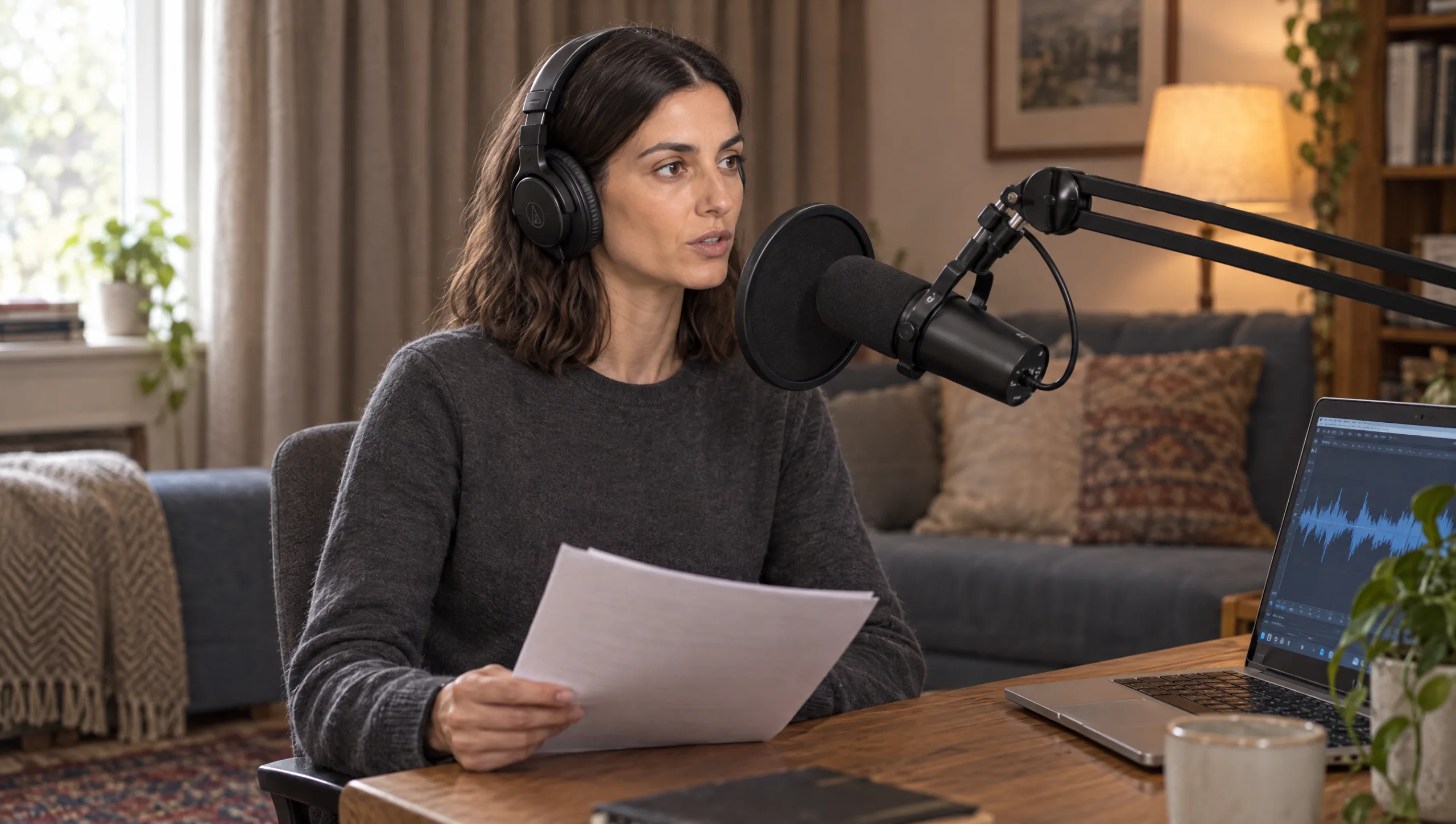
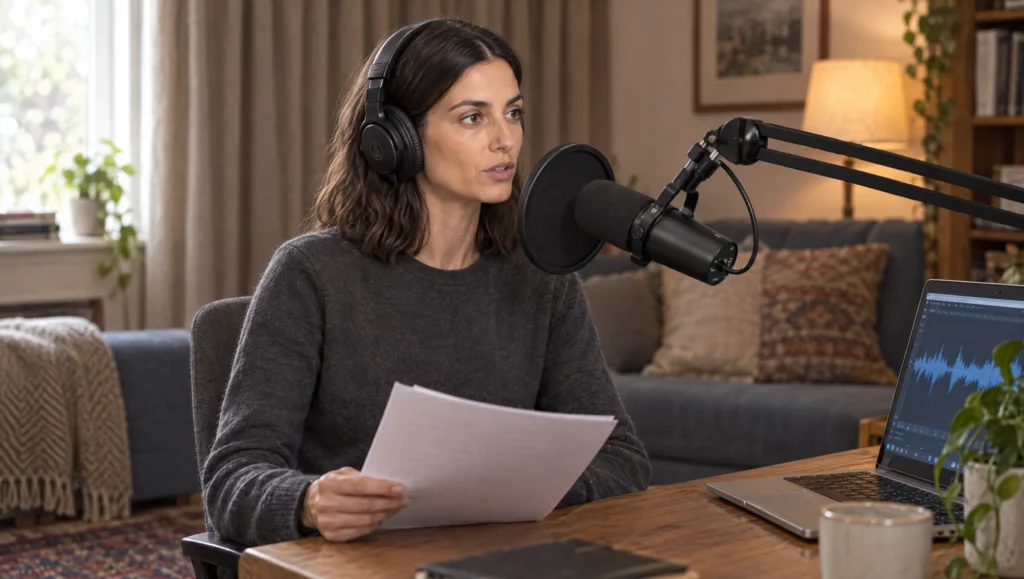
First, pick one room and stay in it. A small room with soft surfaces, curtains, a rug and a sofa, beats a large bare one. Then pick one microphone and one distance, about two fists from your mouth, and keep both for every session. A pop filter stops the plosives on p and b sounds. Next, remove every other sound: no music, no fan, no second voice, no notifications. ElevenLabs can clean light background noise, but it cannot remove a kettle.
Above all, speak the way you want the narrator to speak. Read a varied script with real sentences, some short, some long, some quiet, some warm, rather than a flat list. Keep the volume steady. If your voice drifts into a presenter register, stop and start again, because the clone will keep the register you gave it.
Prompt 1: Recording Script Writer (run in Claude or ChatGPT before you record)
Write a recording script for a voice clone, in [LANGUAGE], in my natural speaking voice. Length: about [3 / 10] minutes read aloud. Mix short and long sentences, two or three questions, a quiet reflective passage, a warm passage, a passage with numbers and names, and a short story told in the first person. No lists, no headings, no exclamation marks. Use my own topics so it sounds like me: [THREE TOPICS I TALK ABOUT]. Write it as continuous spoken prose with natural pauses marked by full stops and commas only.Read it twice before you record, so the first take is not a sight-reading.
Step 2: Make the Instant Clone
In ElevenLabs, open Voices in the left menu and choose the option to create or clone a voice, then Instant Voice Clone. You can record straight into the browser or upload files. If you record in the browser, pick your microphone from the list. Then record in clips of between ten and thirty seconds until you have at least a minute, ideally three. Each clip can be previewed, deleted and re-recorded. If the room was not perfect, tick the option to remove background noise before you continue.
Then name the clone with a convention you will still understand later, such as your name followed by IVC and the date. Add the language, a one-line description, and tick the confirmation that you have the rights to this voice. Save it. The clone is ready in seconds, and you can test it straight away in Text to Speech.
Step 3: Test It With the Same Passage Every Time
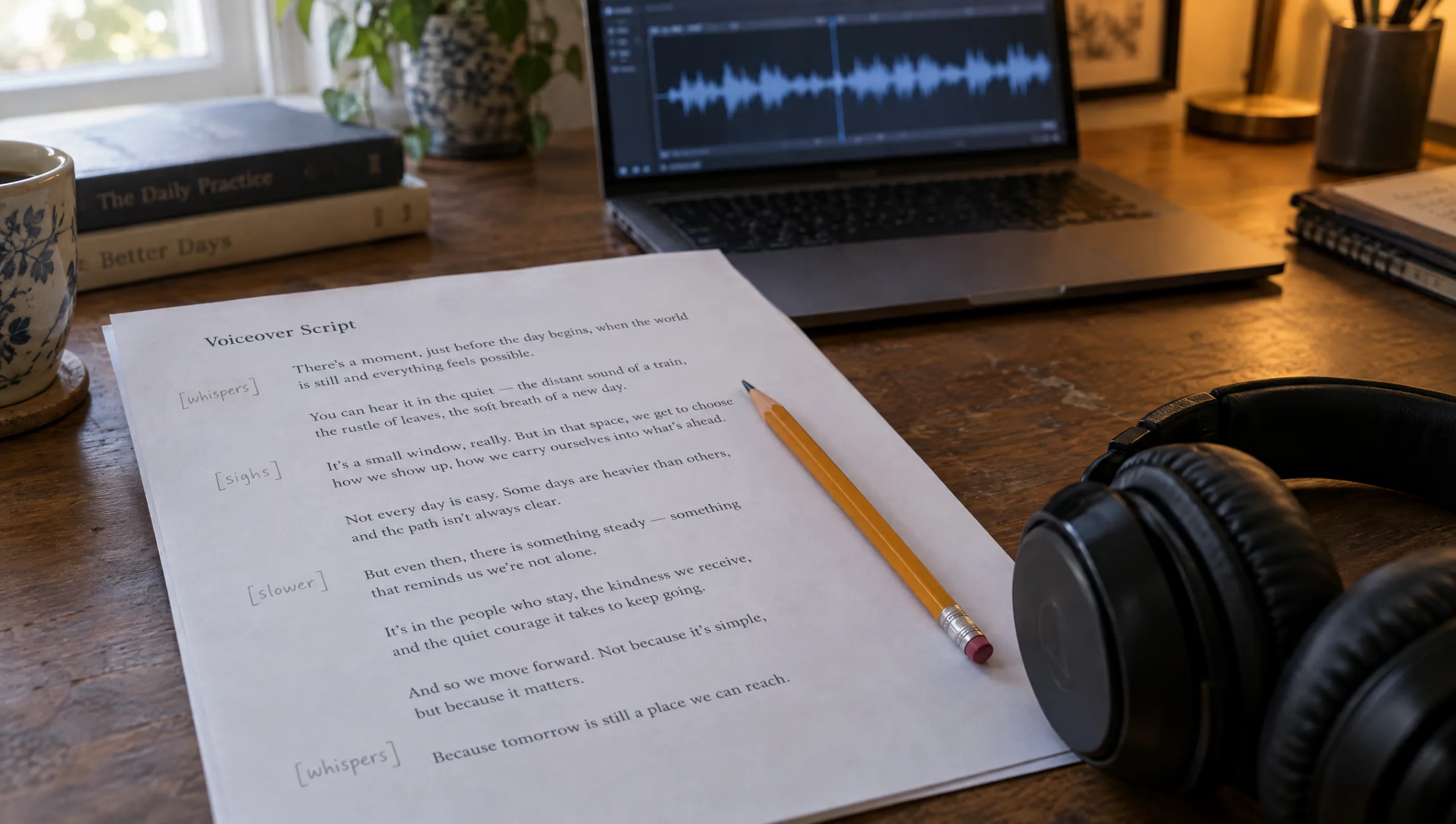
A clone sounds fine on a joke and falls apart on a whispered line, so test with a passage that asks for everything. Use the same passage for every clone and every settings change, because that is the only way to hear what moved.
Prompt 2: Clone Test Passage (run in Claude or ChatGPT, then paste the result into Text to Speech)
Write a 45-second spoken test passage in [LANGUAGE] for judging a voice clone. It must contain: an opening line at normal pace; a question; a line with two names and a number; a quiet, slower line; a warm line; a line with a comma-heavy sentence; and a final short line. Plain prose, first person, no headings, no exclamation marks. Topic: [A SUBJECT I NARRATE OFTEN].Listen for four things. Does the pitch sit where yours sits? Do sentence endings fall the way yours do? Do the names and the number come out clean? Does the quiet line stay in your voice, or become a generic whisper? Write the answers down, because they become the Notes field of the library entry in Step 6.
Step 4: Build the Professional Clone
The professional clone rewards planning. Thirty minutes is the floor and two to three hours is the target. So spread it over several sessions in the same room with the same microphone. Vary the material: narration, a conversational passage, a story with feeling in it, something read slowly, something read with energy. Keep the sound consistent and let the delivery vary, because the model learns both.
Prompt 3: Reading Plan for a Professional Clone (run in Claude or ChatGPT)
Plan [TWO] hours of voice recording for a professional voice clone, split into [SIX] sessions of twenty minutes. For each session give a title, the emotional register to aim for (for example calm narration, warm storytelling, quiet reflection, bright explanation), and a 20-minute script in [LANGUAGE] in my natural voice on these topics: [TOPICS]. Every script is continuous spoken prose, first person, with varied sentence lengths and no lists. Add one line of direction at the top of each session on pace and volume.In ElevenLabs, go back to Voices, create or clone a voice, and choose Professional Voice Clone. Name it, set the language and description, then either record against the scripts ElevenLabs provides or upload your own files. The page shows how far you are from the recommended amount of audio. Before you submit, you can trim a file, split a recording with two speakers so only your voice remains, and clean background noise. After that comes the verification step: you read a short sentence so ElevenLabs can confirm the voice is yours. Then you wait. Everything is saved, so you can leave and come back.
Step 5: Choose the Model and the Settings
Use Eleven v4 for both clones. ElevenLabs recommends it over v3, and v4 brings back full support for professional clones that v3 did not have. Then open the voice settings and change one thing at a time against your test passage. Start from the defaults. If the voice wanders between takes, raise stability a little. If it sounds flat, lower it a little. Keep speed close to the default, because extreme values cost quality. Record the settings that passed the test, because the next film should start from them rather than from the defaults.
Step 6: File the Voice Under Voice
A clone without a record is a guess next month. So give it an entry in your prompt library under the Voice purpose, with the same six fields as every other entry.
Prompt 4: Voice Library Entry (run in Claude or ChatGPT)
Turn these notes into a prompt library entry for the Voice purpose with six fields: Name (Voice, what it is, ElevenLabs, version), Prompt (the voice name in ElevenLabs, the model, and the settings that passed the test), Needs (which clone, which test passage, which room and microphone), Result (the test file name and date), Notes (what it does badly, which lines to avoid, what to re-record for the next version), Source (the film it was first used on).

Clone type: [INSTANT / PROFESSIONAL]
Model and settings: [PASTE]
Test notes: [PASTE FROM STEP 3]
Room and microphone: [PASTE]
First film: [NAME]
Whose Voice Is It
Clone only your own voice, or a voice whose owner has given you written consent, because ElevenLabs requires it and so does basic decency. For a client, keep the consent with the project. For a performer, agree what the clone can and cannot say before the first line is generated. The rights box you tick when you save the clone is a promise, not a formality.
Patricia’s Note
Common mistake
Cloning from a video’s soundtrack. The audio under a finished reel has music, room tone and compression on it, and the clone learns all three. The result sounds like you heard through a phone speaker. Record fresh material for the clone, in a quiet room, with nothing under your voice, even if it is only three minutes.
Quick version
Make an instant clone today from one to three minutes of clean audio. Then build the professional clone from thirty minutes to three hours, recorded in one room with one microphone. Test every clone with the same 45-second passage. Use Eleven v4, start from the default settings and change one at a time. File the voice under Voice with its settings and its weak spots. Clone only a voice you have the right to use.
Your move
Run Prompt 1 for a three-minute script, record it in the quietest room you have, and make the instant clone before you close the laptop. Then run Prompt 2 and listen to the test passage twice. Whatever you write down is the start of your Voice entry.
Get the prompts. All four prompts from this guide are in the free Prompt Library under Voice, together with the test passage.
Related articles
- how to write a 50-second story for an AI short film
- how to turn a script into a shot list for AI video
- how to build a prompt library for your AI film projects
- how to create a consistent AI character from scratch
Paid next step: The 50 Second Story Builder, with the complete story, script and voice prompt set, including the voiceover timing sheet for a fifty-second film.
Frequently Asked Questions
How much audio does an ElevenLabs voice clone need?
One to three minutes of clean audio for an instant clone, and thirty minutes to three hours for a professional clone. Consistency matters more than length.
Which is better, an instant or a professional voice clone?
The professional clone captures tone and delivery far more closely, and it is the one to narrate a film with. The instant clone is for testing your setup and for drafts.
Which ElevenLabs model should I use with a voice clone?
Eleven v4. It supports both clone types fully and follows direction in the script more reliably than earlier models.
Can I clone someone else’s voice?
Only with their explicit consent. ElevenLabs requires you to confirm you hold the rights, and the verification step on the professional clone checks that the voice is yours.






Read the Comments +